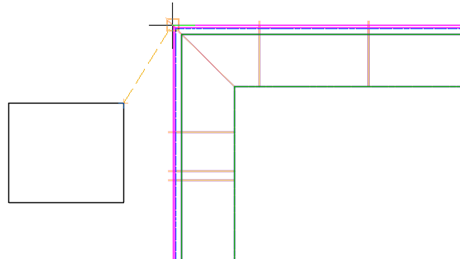
Use new commands to insert points on crossing feature lines, to edit the grade or slope on multiple feature lines, and to set the elevation of a point on a feature-line based corridor at a given grade or slope from a specified location.
- Use the
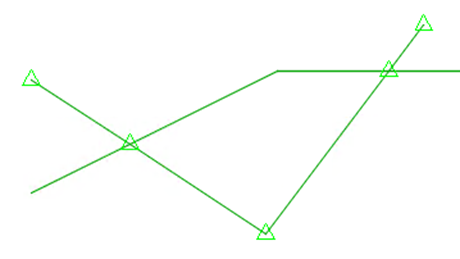
Insert Points at Crossing Locations command to insert PIs or elevation points on crossing feature lines in the same site. For more information, see
To Add Points at Feature Line Crossing Locations.
- Use the
Set Grade/Slope Across Feature Lines command to edit the grade or slope between vertices on two or more intersecting feature lines. For more information, see
To Specify a Grade or Slope Between Points Across Multiple Feature Lines.

- Use the
Set Corridor Baseline Elevation by Reference command to set the elevation of a point on a feature-line based corridor at a given grade or slope from a specified location. This command adjusts the elevation of the corresponding PI on the corridor baseline accordingly. For more information, see
To Set the Elevation of a Feature Line-Based Corridor by Reference.