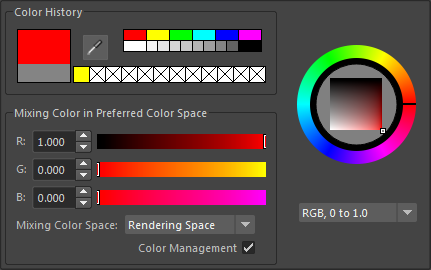
The
Color Chooser appears when you:
- Double-click a color swatch (for example, in the Attribute Editor).
The Color Chooser lets you:
- Select colors for property or materials from the Color Wheel or Color Palette.
- Import images and choose colors from them.
- Blend colors together.
- Save frequently used colors in the Color History.
- Create custom palettes.
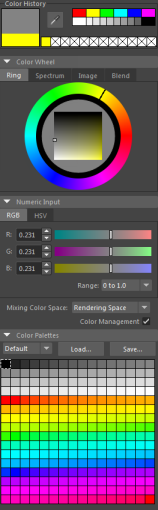
A compact version of the Color Chooser that appears when you single-click a swatch. This version consists of many of the same components as the full Color Chooser, but the overall window is scaled down.