Learn how to use the Object Inspector to copy the content of a story to other stories.
- Go to the View tab. All of the elements that you have created can be copied to the other stories.
- In the Object Inspector, right-click on Story 1 and select as shown below.
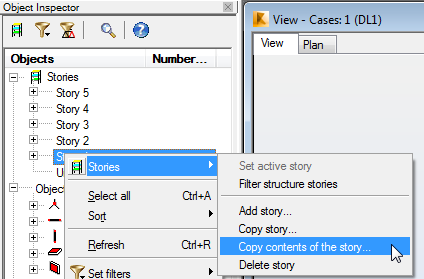
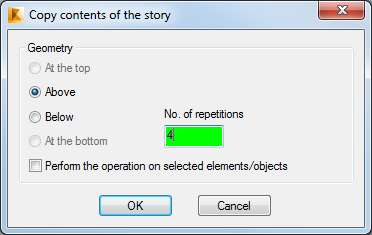
Note: If you did not have additional Stories in the project, you could use Copy story… and have the software create the story and copy the contents. - In the Copy contents of a story dialog box, set the Geometry to Above and the No. of repetitions to 4 as shown below.
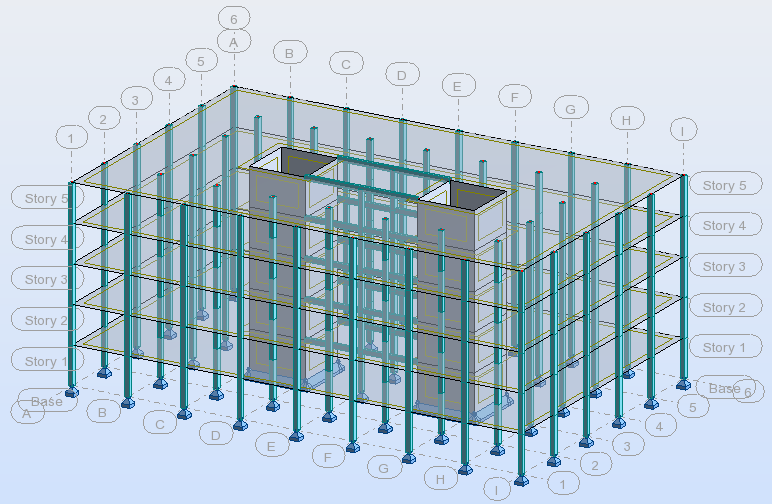
- Click OK.The contents of Story 1 are copied to the other stories as shown below.
- Save the project.