About Web Shops
Web Shop > Substance or Scene > Substance
The Web Shops

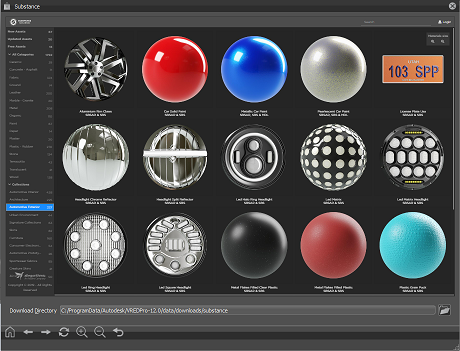
Once you select Web Shops from the Menu Bar, select Substance to populate the content within the Web Shop with Allegorithmic Substances.
Use the Substance Web Shop to log into the Allegorithmics Substance Source, find and purchase substances, and download them into VRED.
 Toolbar
The toolbar contains Home, Back, Forward, Refresh, Zoom In, Zoom Out, and Refresh tools.

- Home - Returns to the homepage.
- Back - Returns to the previous page.
- Forward - Goes to the next page.
- Refresh - Updates the current page.
Zoom In - Zooms into the page content. As you zoom in, fewer Substances are displayed.
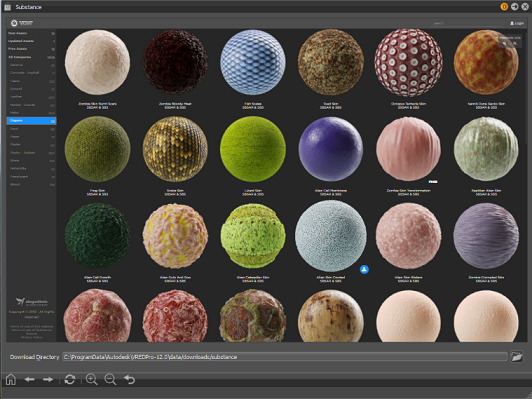
Zoom Out - Zooms out of the page content. As you zoom out, more Substances are displayed.
Reset View - Resets the view within the Web Shop to the default. This means resetting the number Substances displayed.
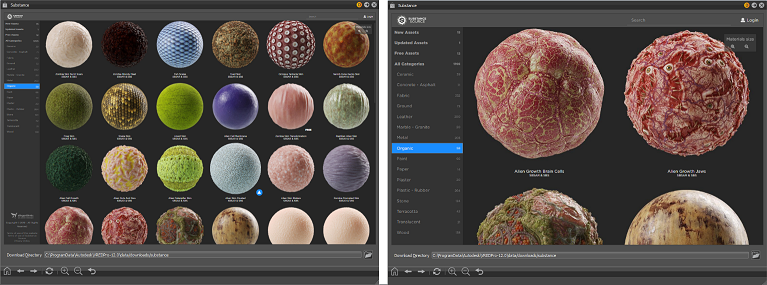
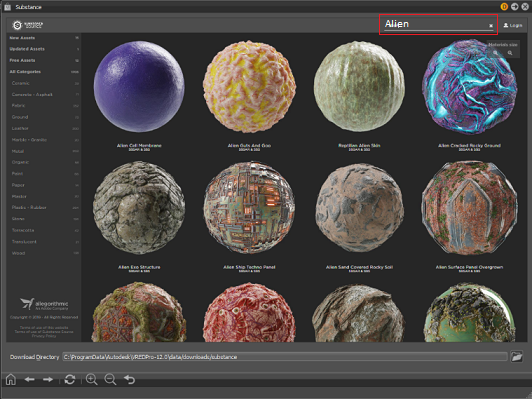
 Search for the Substance Web Shop
Locate the Substance you want.
Enter the name or a word describing what you are looking for and press Enter to locate Substances matching the search term(s).
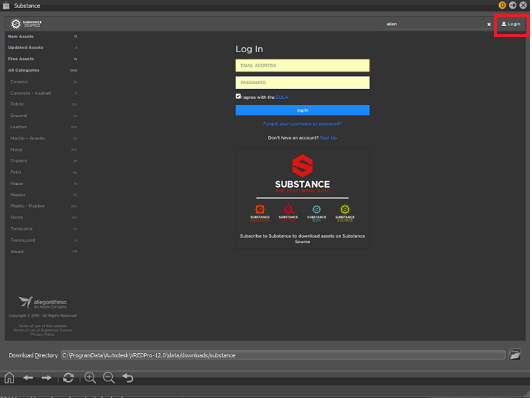
 Login for the Substance Web Shop
Log into the Allegorithmic Substance Source web shop.
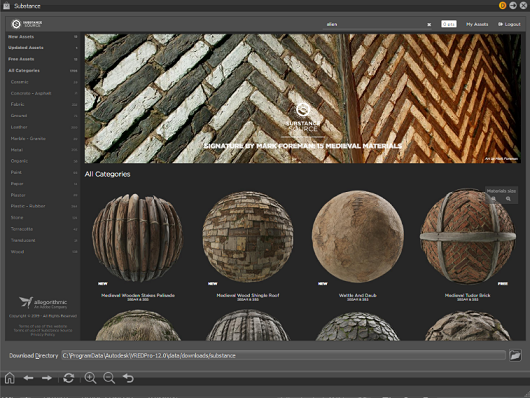
 Substance List
Browse Allegorithmic Substances by categories.
Scroll through the list of categories. Click a category to load its Substances, then scroll through them.
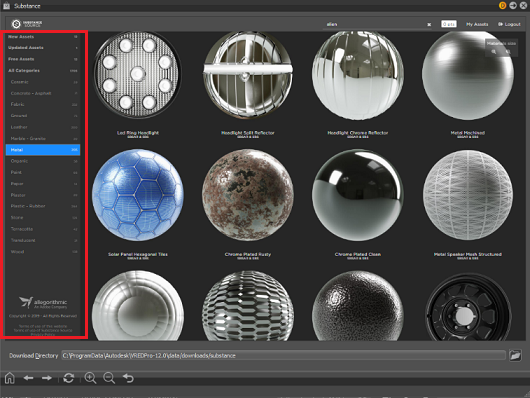
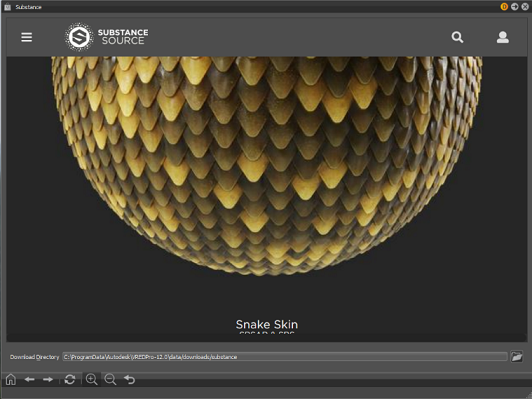
To see default presets, a 3D view, and real-time edits of its parameters, click a Substance.
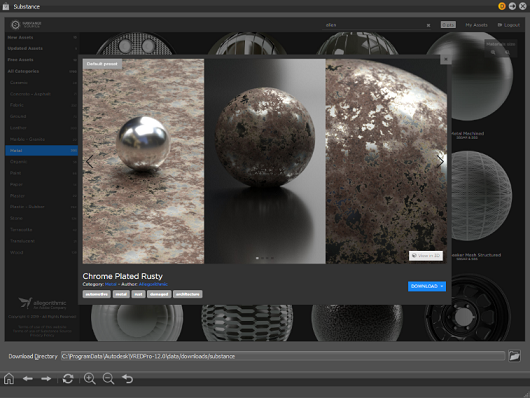
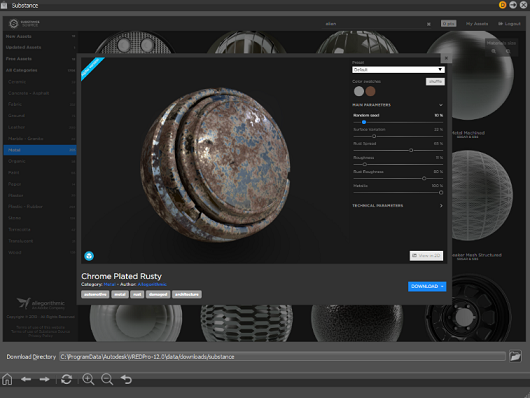
To download the Substance, click the DOWNLOAD button and select a format: SBSAR or SBS.
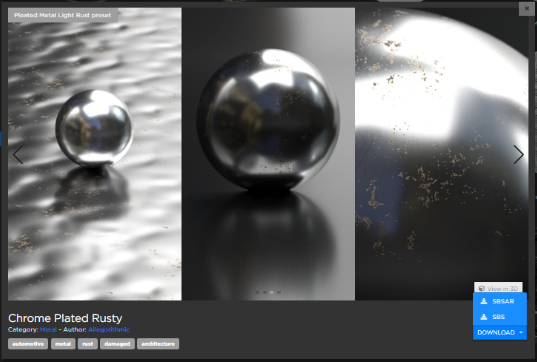
Hover over a Substance to select it. To download the Substance, click
 .
.
The downloaded Substance will be stored in the default download directory. To change the location of downloaded Substances, click  and set a new location.
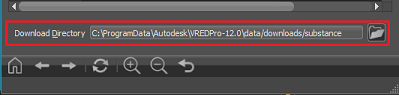
 Download Directory
See where your Substances are being stored.
To change the default location for your downloaded Substances, click , then set a new location.