Every user that wants to make modifications to the model must first connect to it.
Note: The master model must be closed. Working directly in the model is not recommended.
Connect to a master model
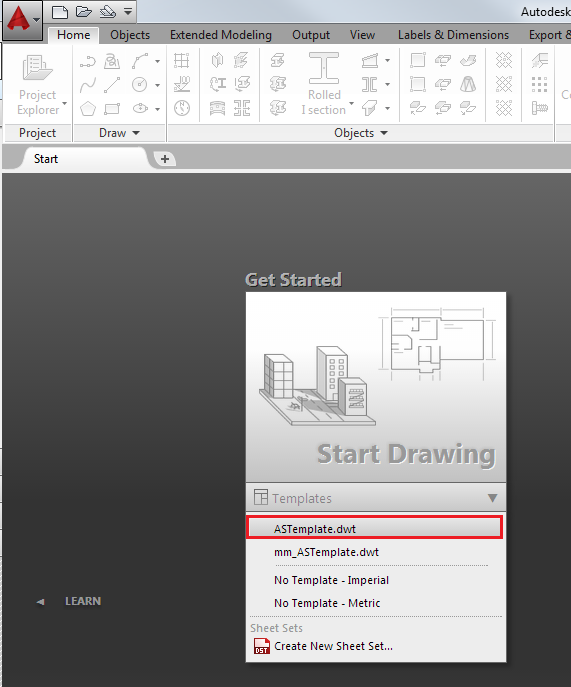
- Create a new .dwg file, using ASTemplate.dwt and save it.
- In the Extended Modeling tab
 Multi User panel, click
 (Connect to Master model).
The master model is loaded into the workspace and is displayed in read-only mode.
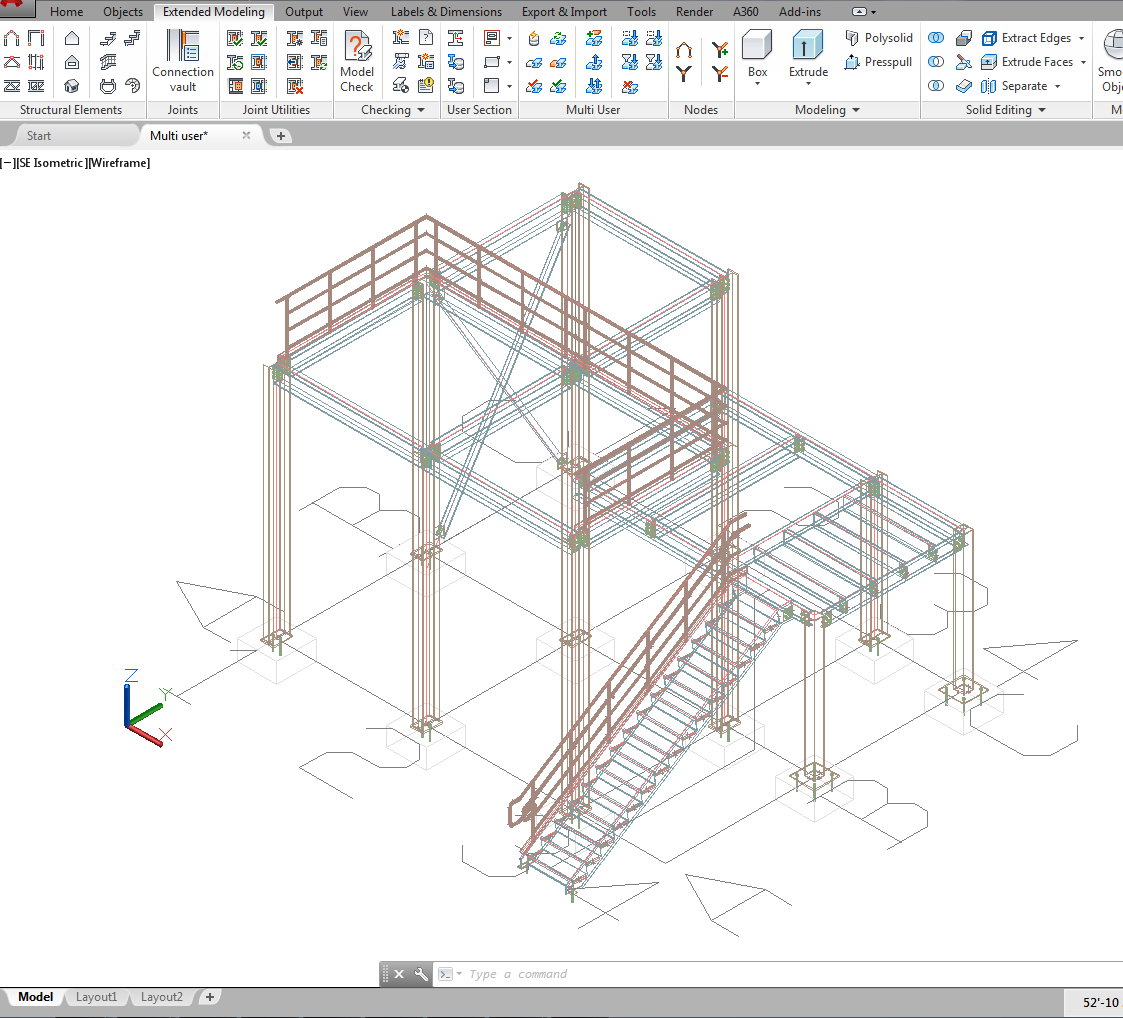
The model that is loaded into the workspace is a local copy of the master model. The AutoCAD® Save command saves the local copy on the local computer. To share any modifications with other users, the modifications must be published in the master model.