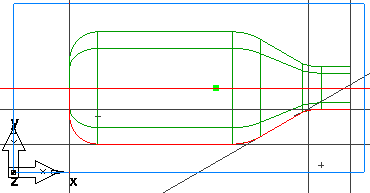
- Select the
Surfaces
 step from the
Steps panel.
step from the
Steps panel.
- In the Surface wizard, select Surface of Revolution, and click Next.
- On the
Surface of Revolution page:
- Enter a Start Angle of 0.
- Enter an End Angle of 180.
- FeatureCAM automatically selects your chained curve in the Curve field.
- In the
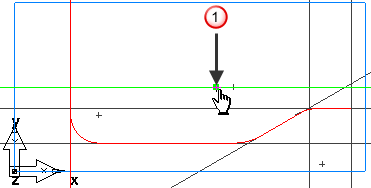
Axis field, click the
Pick line
 button, and select the horizontal line around point
 .
.
Click Finish.