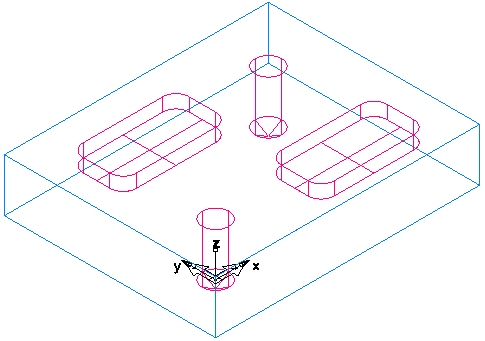
To look at the part in a different orientation you can select one of the standard predefined views.
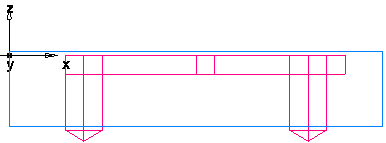
- To change the view to a front view, click View tab > Views panel > From > Front.
- To change to an isometric view, click View tab > Views panel > ISO.