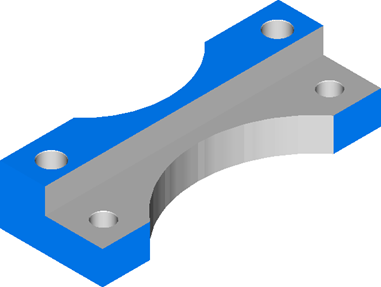
Run a 3D simulation to see if the features have been created correctly and to check for gouges.
- Click Home tab > Simulation panel > Sim mode menu > 3D to change the simulation type.
- Click
Play
 on the Simulation toolbar to start the simulation.
The 3D cutting simulation is displayed in the graphics window.
- Click
Stop
 to end the simulation.