You have been working in a 2D view.
- Deselect View tab > Appearance panel > Line Display menu > Turning 2D View to return to a 3D view of the model.
- Click View tab > Views panel > ISO menu > ISO 1.
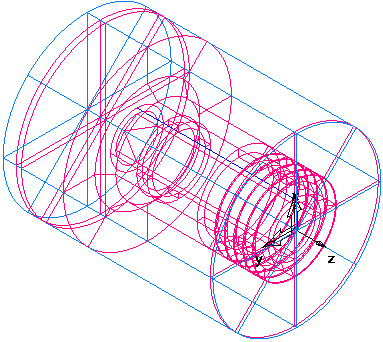
- Shade the part.
- Open the Part View panel, and select bore1 under the Setup1 node.
- Select View tab > Appearance panel > Shade menu > Shade Selected.
- Select thread1 in the Part View panel.
- Select View tab > Appearance panel > Shade menu > Shade Selected.
- Select View tab > Appearance panel > Shade menu > Unshade All to return to the wireframe view of the part.