This step defines the profile.
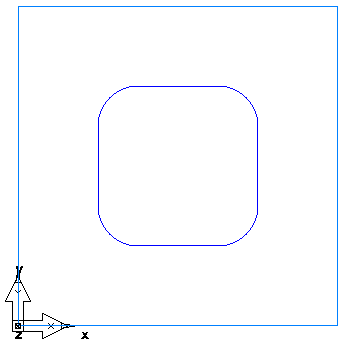
- Select Construct tab > Curves panel > Other Methods > Rectangle.
- In the
Rectangle dialog:
- Select Use corner, width, and height.
- Enter corner point of 1, 1, 0.
- Enter a corner radius of 0.5.
- Enter a Width of 2.0.
- Enter a Height of 2.0.
- Click OK.