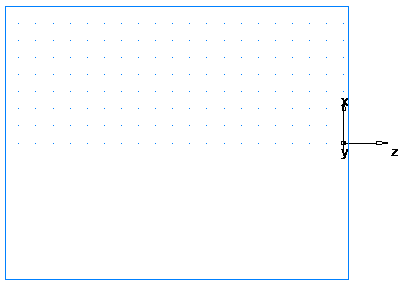
The preparatory steps determine the coordinate system and tool crib.
- Click Home tab > Options panel > Edit, then under Turning Diameter select 3D (XYZ) to enable you to enter coordinates as X, Y, and Z values.
- Click Features & Manufacturing tab > Tools panel > Tool Crib to display the Select Active Tool Crib dialog.
- Select the tools option from the Crib List, and click OK.
- Click View tab > Navigate panel > Resize > Resize to fit to display the complete part.