This shows you how to create a wire EDM feature.
- Select Home tab > Part Program panel > Features.
- In the New Feature wizard, select the Die option in the 2 Axis frame, and click Next.
- On the
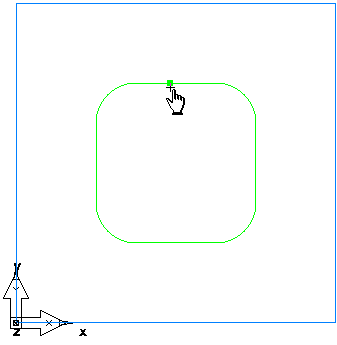
Curves page, click the
Pick curve or geometry
 button, select the curve you created, and click
Next.
button, select the curve you created, and click
Next.
- On the Location page, click Next.
- On the Dimensions page, enter a Thickness of 0.5 and click Next.
- On the Start page, click Next.
- On the
Strategies page:
- In the Operations field select Retract.
- Select the Cutoff option.
- Select the Contour option.
- Click Finish.