Reveals information about whether the current size of the runners is balanced and can flow into each cavity at equal time and pressure. A balanced system provides uniform part quality in a multi-cavity or family mold design.
Note: Autodesk Moldflow Adviser or Moldflow Insight must be installed on the system to use the command.
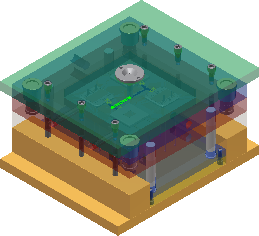
- Access
- On the Mold Layout tab, Mold Simulation panel, click
 Runner Balance.
- Start
- Begins the runner balance analysis.
- Stop
- Stops the current runner balance analysis.
- Close
- Dismisses the dialog box, but does not stop the analysis.
- OK
- Applies the balanced size to the selected runners.
- Cancel
- Dismisses the analysis without applying suggested changes.