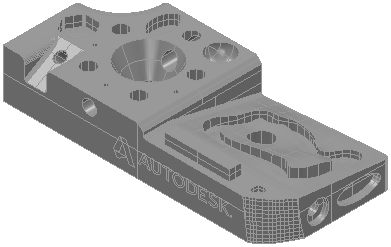
In PowerInspect, each part is inspected using an inspection document. The document specifies the CAD model of the part (if available); the features to be used to align the part with its CAD model; the type of alignment to be used; and the features to be measured on the part.
To create an inspection document for a part:
- Click File tab > New > New Document Wizard.
The New Document Wizard is displayed.
- Select Measurement with a single CAD part to create an inspection using a CAD model.
- Click Next.
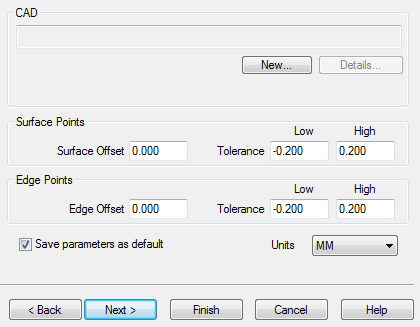
- Click New.
The Open dialog is displayed.
- Select the model of the part you want to inspect, and then click Open.
For example, to use the sample model provided with PowerInspect, select DemoBlock.ddz in the Samples folder of your PowerInspect installation folder.
- In the wizard, click Finish to open the document and display the model in the CAD View tab.
For example: