Link a raster image into a 2D view for reference without increasing the size of the model or affecting performance. Then remove the file when it's no longer needed.
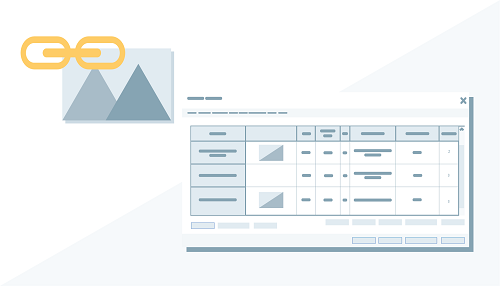
For example, you may want to reference an image to trace or to use on a sheet as you create your model. Linking an image rather than importing it may be desirable when you are concerned about file size. You can move, copy, scale, and rotate a linked image as you would an imported image. The updated image is loaded when you open the model.
To access these features, use these tools:
- Insert tab
 Link panel
 (Link Image)
- Modify|Raster ImagesImage panel
 (Manage Links)
 This feature was suggested by customers on the
Ideas forum and is described on the
product road map.
This feature was suggested by customers on the
Ideas forum and is described on the
product road map.
See Link Images.