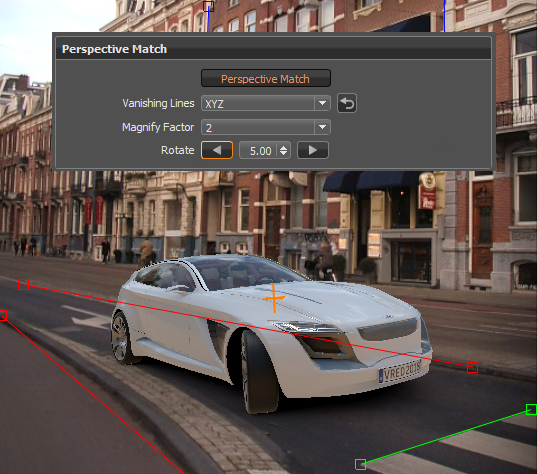
About Perspective Match
Camera Editor > Advanced (tab) > Perspective Match
Use Perspective Match to quickly position your object in front of the backplate image. Match the active camera's focal length and rotation parameters to a backplate, using the vanishing lines, to integrate your model into the scene.
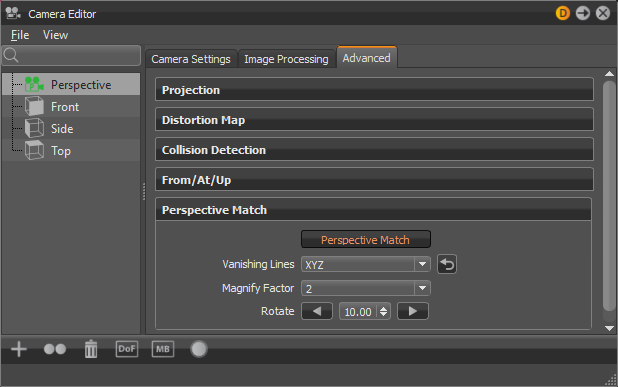
Parameters
Perspective Match - Click this button to enable the other Perspective Match parameters.
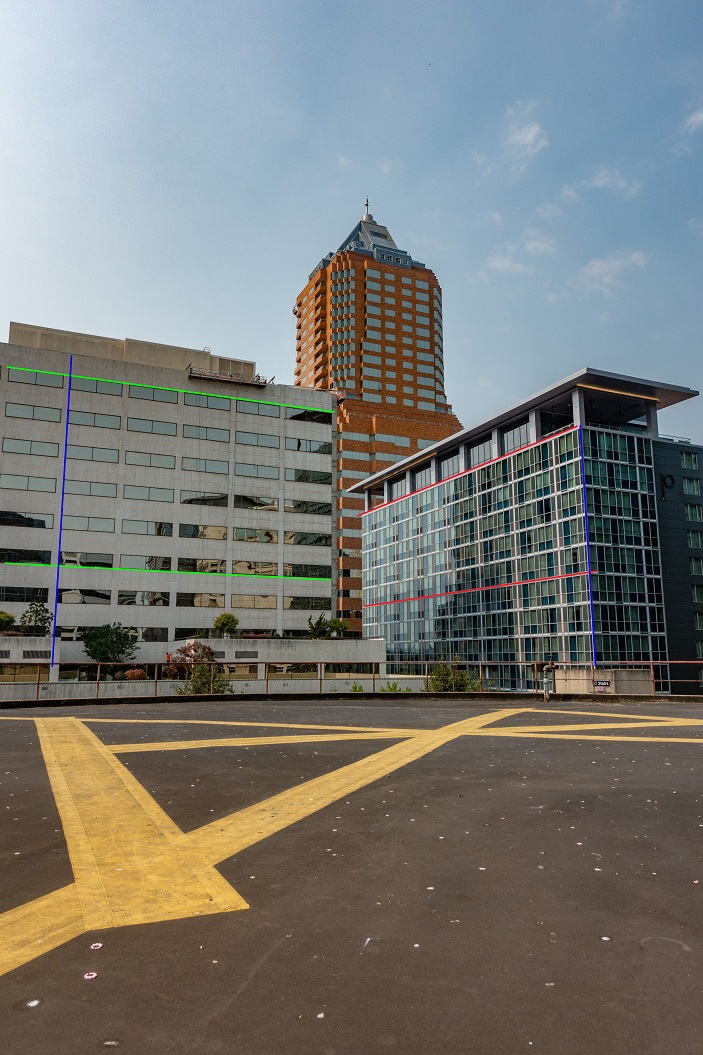
Vanishing Lines - Sets which vanishing line manipulators are displayed. The three manipulators correspond to the three axes:
Red = X-axis
Green = Y-axis
Blue = Z-axis
Choose to display XYZ, XY, XZ, or YZ vanishing line manipulators.


Reset - Resets the vanishing lines to the default in the viewport.
Magnify Factor - Sets the magnification factor of the magnifier. The magnifier appears when a vanishing line manipulator handle is selected to help with positioning.
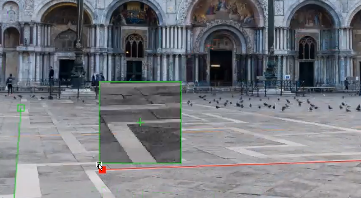
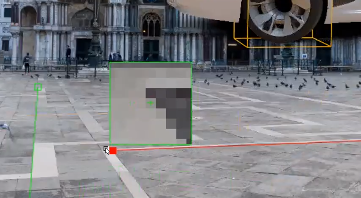
See Position Vanishing Lines Using the Magnifier for instructions on using Magnify Factor.
Rotate - Rotates around the camera pivot by the number of degrees set, changing the object's orientation against the background. Use the arrow buttons to rotate the camera about the camera pivot clockwise or counter-clockwise.
Original
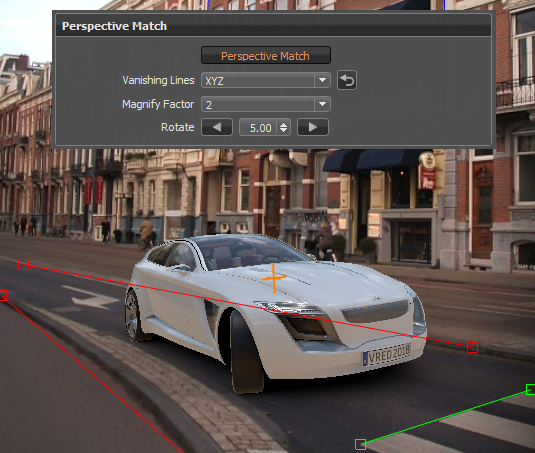
Rotate clockwise
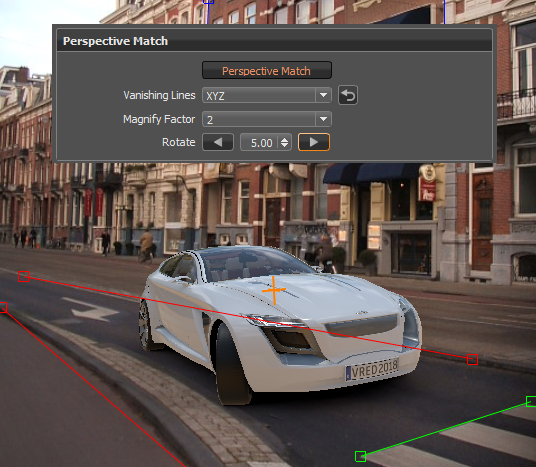
Rotate counter-clockwise