Export for visualization

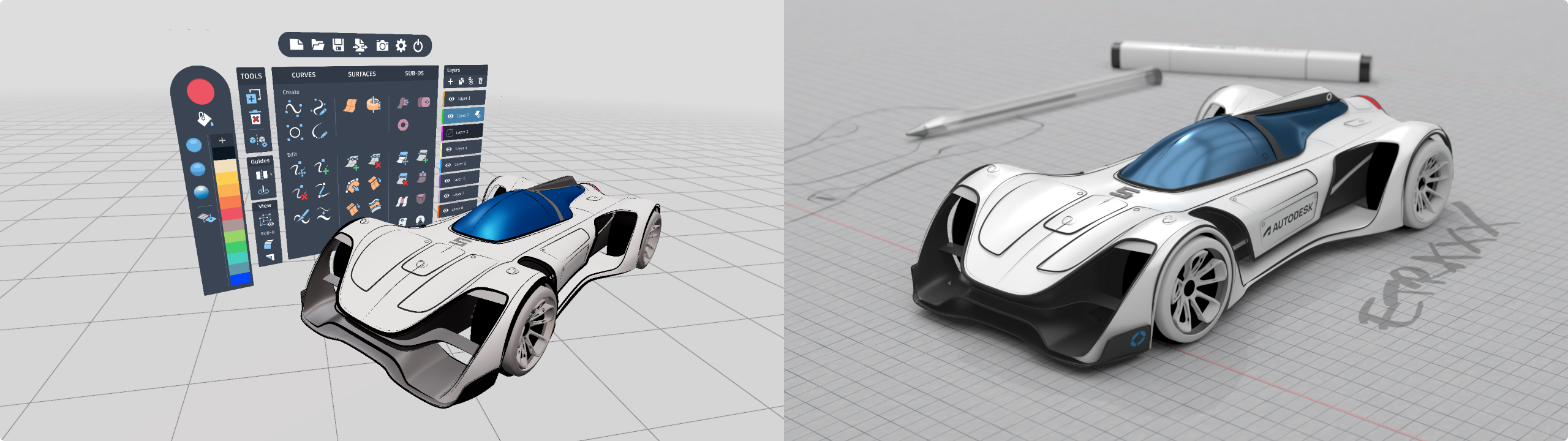
Exporting your Create VR scene as a smooth mesh generates a high-quality tessellated mesh for use within visualization applications or game engines like VRED, SketchFab, or Unity.
-
Open the menu.
-
Select the Import/Export icon
 in the Options menu, then select Export Smooth Mesh
  .
.The scene is saved as an FBX file in the CreateVR\Exports directory.
Note:
Create VR FBX files are automatically named using the date and time the file was saved.
Exported materials from Create VR are named with their HEX colours, and they can be adjusted further after exporting.