Resize view windows
Automatically or manually change the size of a view window.
| To... | Do This |
|---|
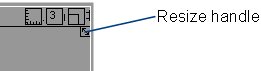
| Resize from a corner | Drag one of the resize handles at the window corners. |
| Maximize the window | Click the maximize icon in the window title bar. |
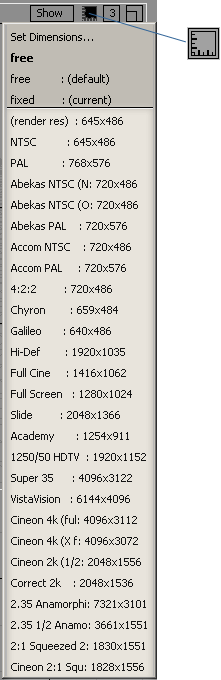
| Lock the size to a preset | Click the size/position icon in the window title bar, and choose a size from the pull-down menu. |
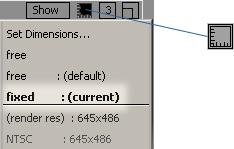
| Lock the current aspect ratio. | Click the size/position icon in the window title bar, and choose . |
| Unlock the aspect ratio | Click the size/position icon in the window title bar, and choose . |
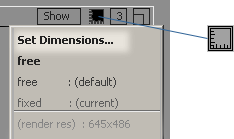
| Set an exact position and size | Click the size/position icon in the window title bar, and choose from the menu. Enter the position and size in the option box. |