Subdivision > Bevel

Inserts edges or edge loops that are offset from the selected edge in both directions.
You can use this tool to sharpen the limit surfaces or to created rounded corners by adding a crown to an edge.
Offset mode
Specifies the way the bevel gets inserted and determines the position of the new edges.
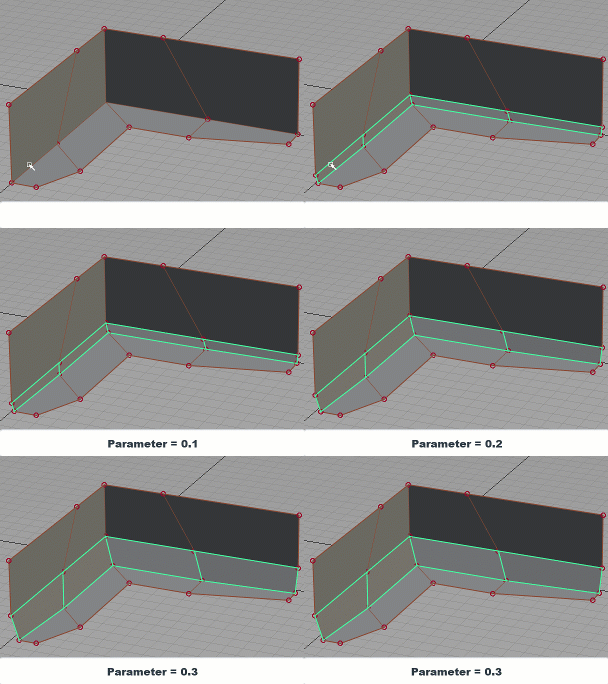
Relative - Calculates the position as an offset relative to the original edge. Use the Parameter control to set the offset value as a percent.
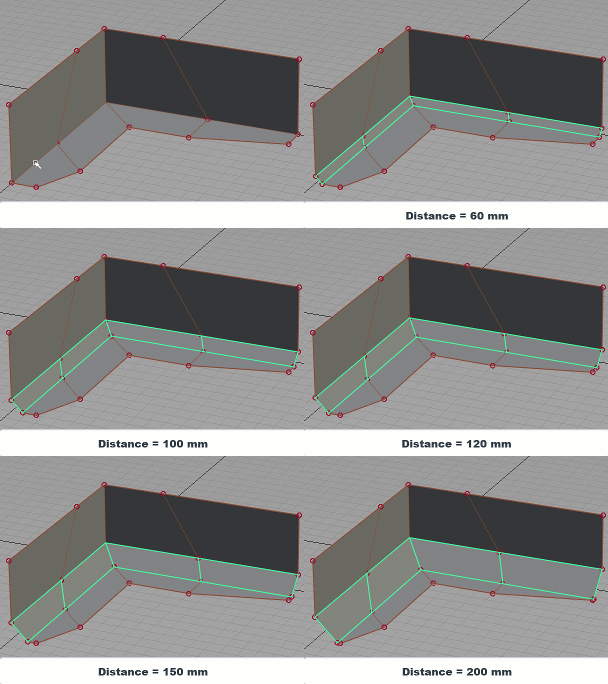
Distance - Inserts a bevel that has a consistent width and parallel edges. Use the Distance control to set the width value in the set measurement units.
Parameter/Distance
Parameter (Relative Offset mode) - Adjusts the position of the bevel edge as an offset value relative to the original edge as a percent. Setting the slider to 0.1 is equivalent to 10 percent. Distance (Distance Offset mode) - Adjusts the width between the two outer edges of the inserted bevel in the set measurement units.
Divisions
Specifies the number of faces to insert between the new edges.
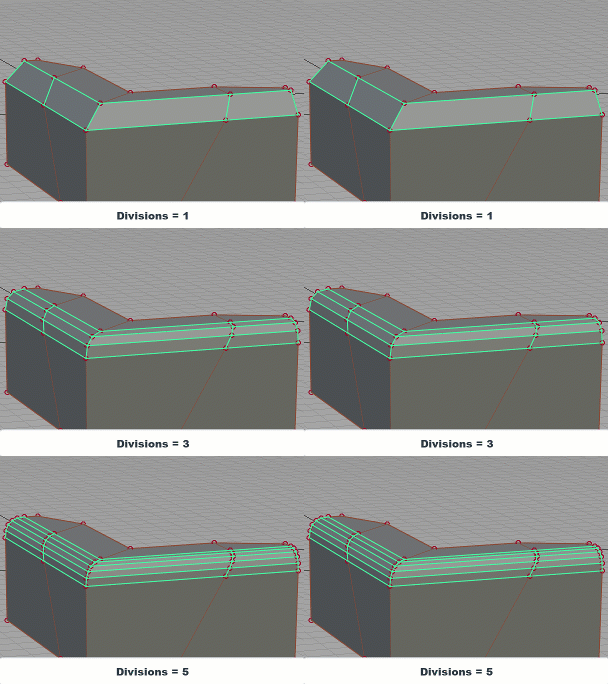
Divisions: 1 to 8
Crown
Creates a rounded crown using the new faces. You need 2 or more Divisions to create a crown. Adjusting this value sets the height of the crown.
A value of 1.0 sets the crown to its the maximum height. A value of 0 does not create a crown, resulting in a flat beveled edge. By default Crown is set to 1.0.
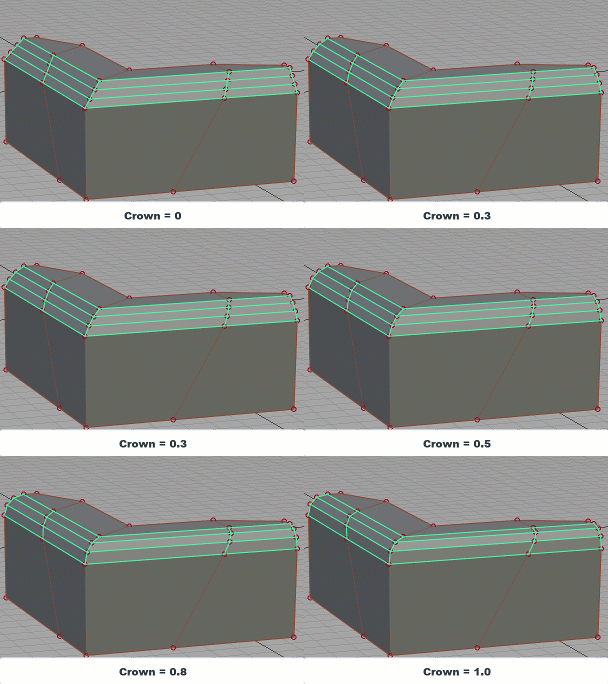
Crown: 0 to 1.0
Edge Loop
Check this box to select an edge loop when you pick an edge.