This guide provide step-by-step instructions to help you get started with PowerInspect for Manual machines.
When you first start PowerInspect, you must specify the communication protocol used by the measuring device.
To select a protocol:
- Start
PowerInspect.
The CMMDriver Configuration dialog is displayed, for example:
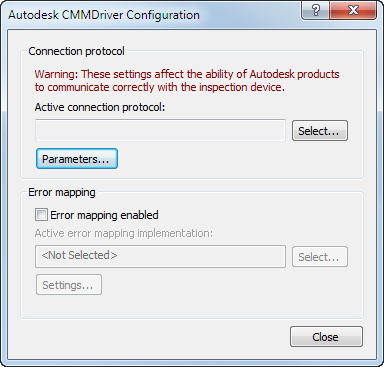
- Click
Select.
The Select Connection Protocol dialog is displayed.
- In the Select Connection Protocol dialog, select the communication protocol for your measuring device, and then click OK to close the dialog.
- In the CMMDriver Configuration dialog, click Close.