When you start PowerShape, a new, empty model is opened. The drawing standards used for the model will determine the model tolerances.
To check the drawing standards:
- Click File > Options > Application Options > General > Units and Tolerances.
The Units and Tolerances page of the Options dialog is displayed:
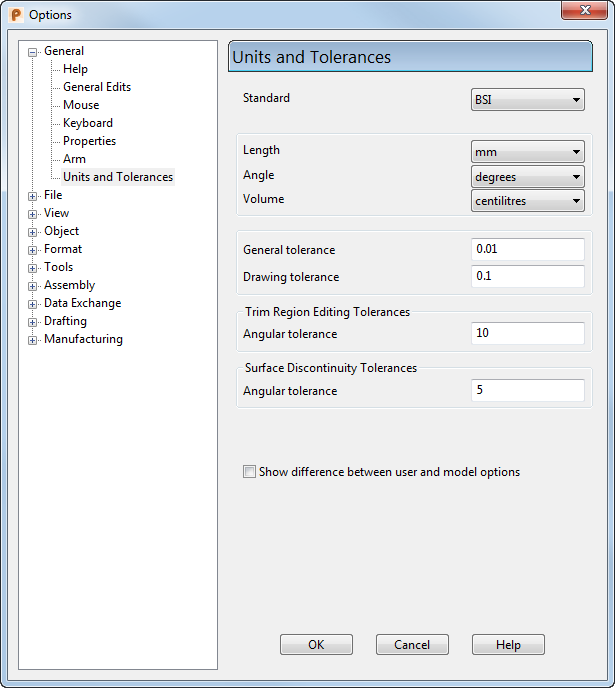
- Set the Standard to ANSI (American National Standards Institute), which uses the following units:
- Length — inches
- Angle — degrees
- Volume — ounces (US, liquid)
- If the tolerance values are incorrect, change them to:
- General tolerance = 0.0001.
- Drawing tolerance = 0.003937
- On the Options dialog, click View > Shading.
Using the ANSI standard, the Tolerance for shading value should be 0.0039.
- Click Force Regeneration of Triangles.
- Click OK.