Shotgun Projects
Creating a New Project
-
Go to the Projects page.
-
Click the Add Projects button.
-
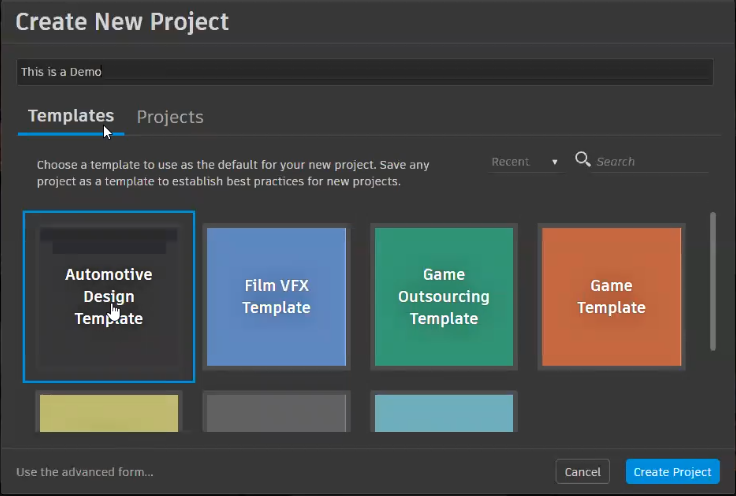
In the Create New Project dialog, enter a project name, then select either a template or existing project to use as a template.
 Note:
Note:A template is a pre-defined schema used as the basis for a project. They are customizable.
-
Click Create Project. This opens the Project page for the newly created project.
Customizing the Project Page
When you create a project, the new Project page is essentially blank, with the exception of the project title.
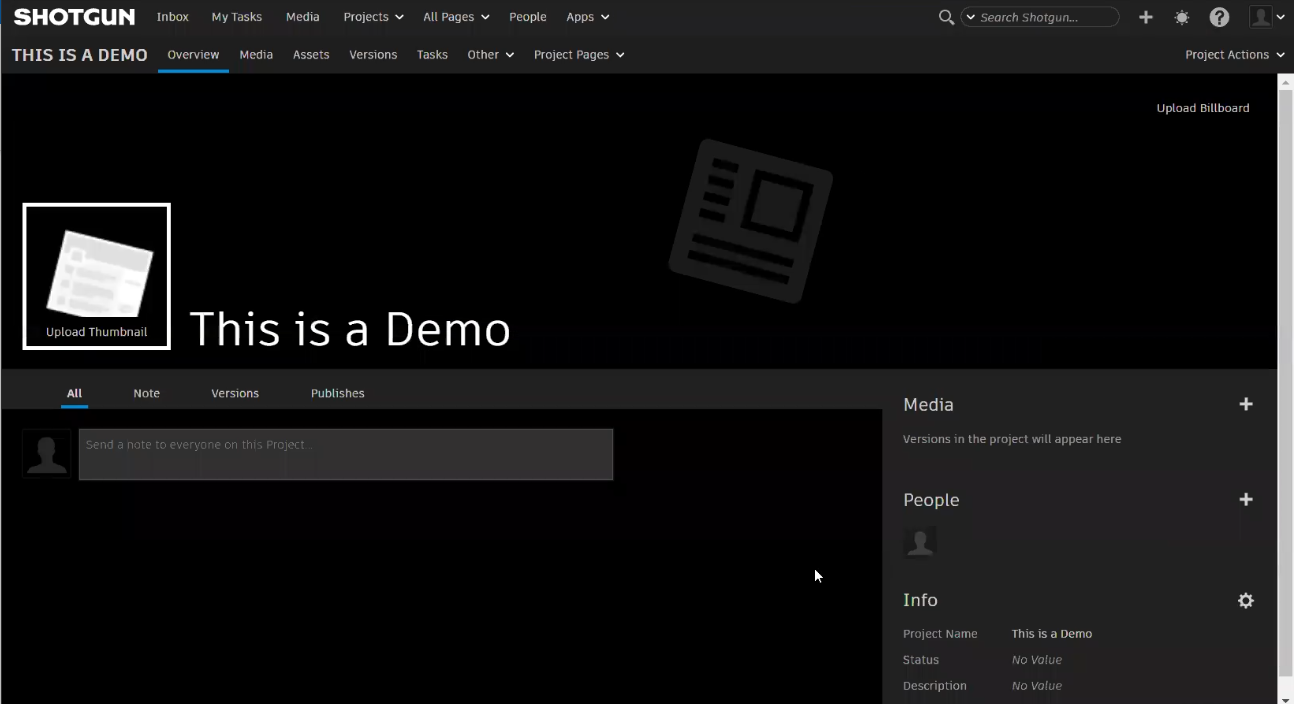
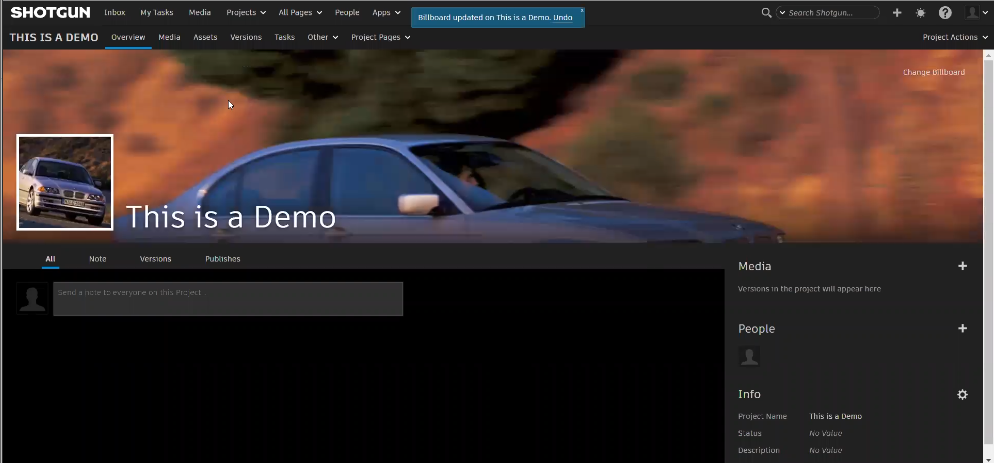
It is populated with all the content from the template or project; however, the billboard and thumbnail images will need to be added.
Adding a Billboard Image
-
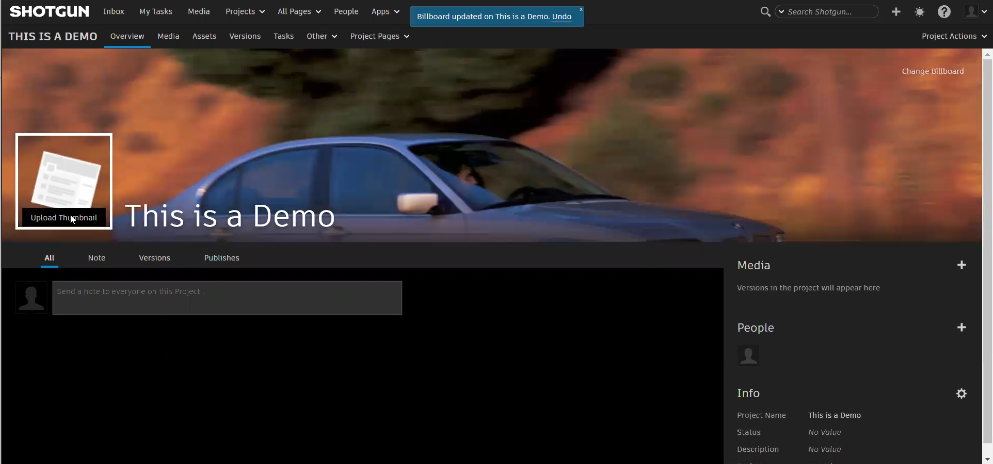
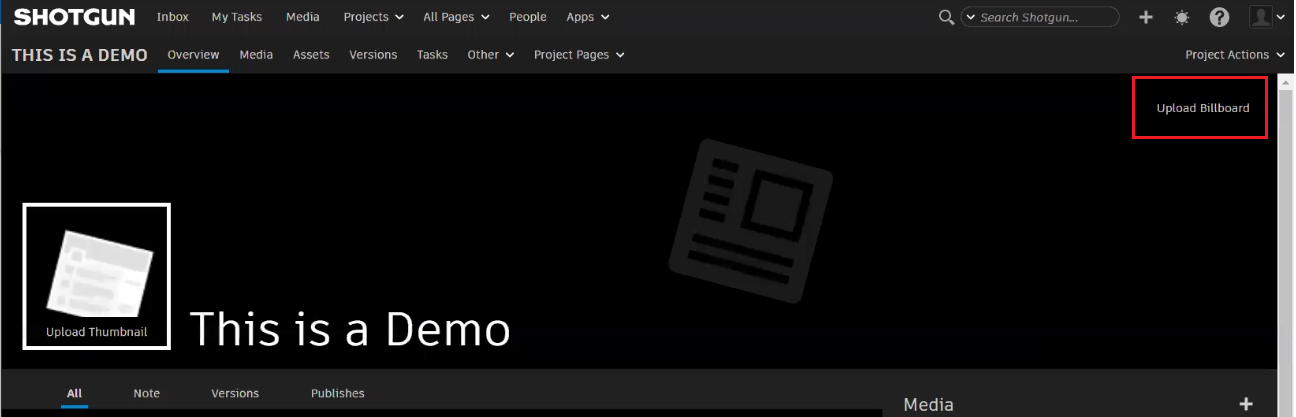
From the top right corner, click Upload Billboard.
-
In the Choose a File to Upload dialog, click Choose File, select an image, and click Open.
-
Click Upload.
Adding a Thumbnail Image
-
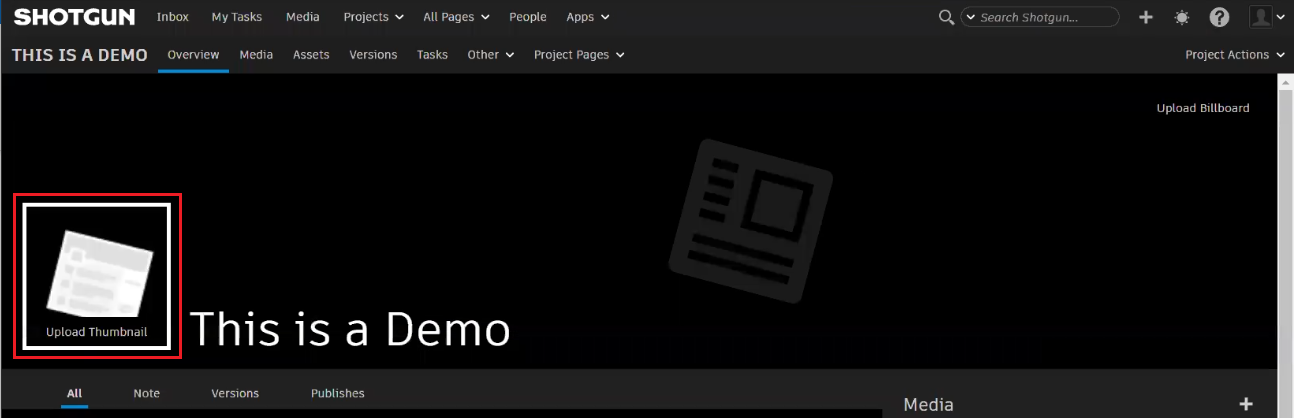
To the left of the project name, click Upload Thumbnail.
-
In the Upload Thumbnail dialog, click Choose File, select an image, and click Open.
-
Click Upload.
Renaming the Project
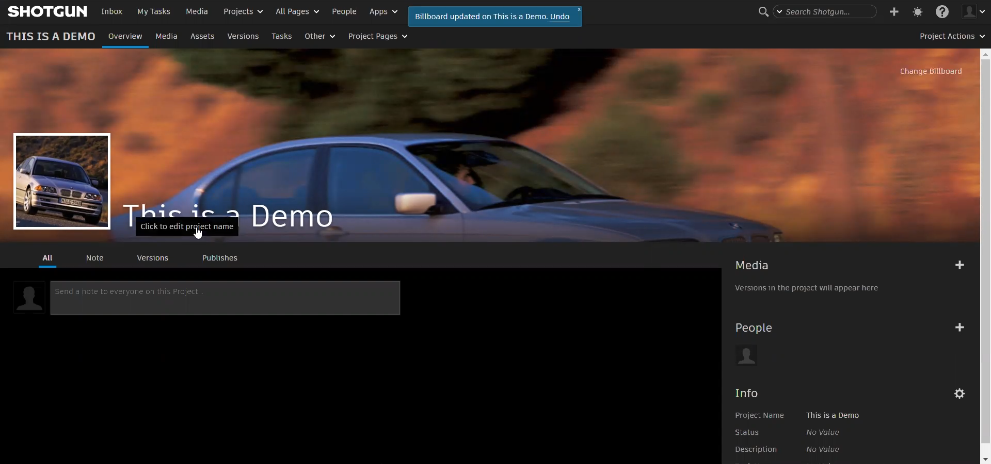
To rename the project, double-click the name, enter a new one, and press the Enter key.