Brushed Metal
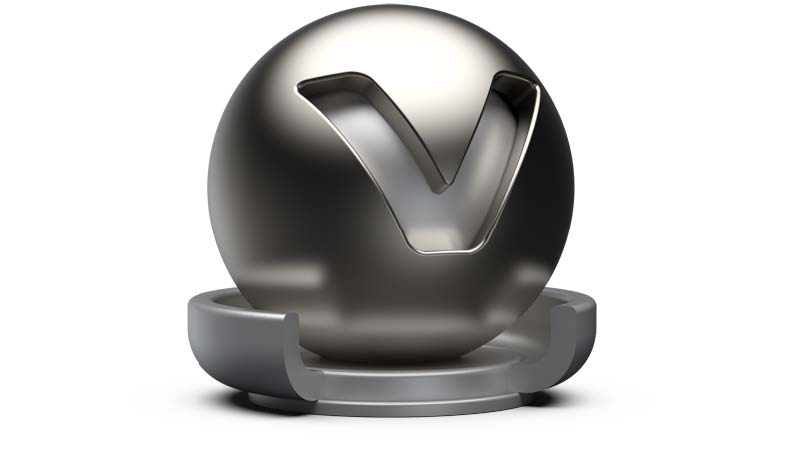
The brushed metal material type simulates any type of metal; it gives full control over the scale and orientation of the surface structure. Metal type presets are available within the properties dialog.
For this material, there is no choice between UV and Planar Mapping. The texture mapping is as follows -For Diffuse, Glossy, Bump, and Roughness it depends on the brush mapping orientation. UV-mapping is used for radial and planar brush mapping, triplanar mapping is used for triplanar brush mapping orientation. UV-mapping is always used for Incandescence, Transparency, and Displacement textures.
Brushed Metal Material
-
Diffuse Color - Sets the shader’s diffuse reflection color. This color is the color the shader adopts when the light reflection of the surface is spread in many directions.
-
Glossy Color - The higher the brightness the higher the reflection on the surface. Black means no reflection; white gives full reflection. Click the color field on the right to open the color chooser; when the glossy reflection is colored, reflected objects are also colored.
-
Roughness UV - The roughness parameter controls light reflection on top of the surface. The higher the value the rougher the microscopic structure on top of the surface and the more blurred are the reflections. Different values for horizontal and vertical roughness provide every type of refraction behavior that is commonly known from metallic surfaces.
-
Metal Type - Various metal types are available -Custom Reflectivity, Aluminum, Amorphous Carbon, Silver, Gold, Cobalt, Copper, Chromium, Lithium, Mercury, Nickel, Potassium, Platinum, Iridium, Silicon, Amorphous Silicon, Sodium, Rhodium, Tungsten, Vanadium, and Iron.
-
Reflectivity - Sets the Brushed Metal’s reflective intensity.
Clearcoat
Sets the clearcoat color. The clear coat is a transparent, reflective paint layer on the base metal layer.
-
Clearcoat Type - The Fresnel Term describes the intensity of a reflection based on the viewing angle. Its intensity at normal incidence is set by the material’s reflectivity.
- Off - Turns off the clearcoat.
- Fast - Uses a fast but less accurate approximation to the Fresnel Term.
- Accurate - Uses a physically accurate evaluation of the Fresnel Term.
-
Clearcoat color - Sets the clearcoat color.
-
Reflectivity - Sets the clearcoat reflective intensity.
Brush Orientation
-
Brush Mapping - Allows you to choose between a range of possible brush orientations, for example, metal brushed in one direction or metal with radial brushes. For example, Brush Mapping Radial XY simulates radial brushes within the xy-plane. The projection planes are defined relative to the object coordinate system of the object the material is assigned to.
-
Brush Mapping Planar - Contains the following options:
- Brush Mappings - Planar XY, Planar XZ, Planar YZ.
- Size U/V - Defines the brush’s size on the U/V-axis.
- Orientation X/Y/Z - Sets the projection plane's orientation.
-
Brush Mapping Radial - Contains the following options:
- Brush Mappings - Radial XY, Radial XZ, Radial YZ.
- Size U/V - Defines the brush’s size on the U/V-axis.
-
Radial Mapping - Contains the following options:
- Center X/Y/Z - Sets the projection plane’s center of the radial brushes.
- Get Center - Returns the Center X, Y, and Z transformations to Zero.
- Orientation X/Y/Z - Sets the projection plane's orientation.
-
Brush Mapping Triplanar - Contains the following options:
- Size U/V - Defines the brush’s size on the U/V-axis.
- Orientation X/Y/Z - Sets the projection plane's orientation.
- Rotate X/Y/Z - Sets the projection plane’s rotation on the X/Y/Z-axis.
Diffuse Texture
For further information on the Texture settings, refer to the Phong reflection model - Diffuse Texture section.
Glossy Texture
For further information on the Texture settings, refer to the Phong reflection model - Glossy Texture section.
Roughness Texture
For Brushed Metal, red and green color channels are used for u and v roughness. For information on the other settings in Roughness Texture, refer to the Phong reflection model.
- Minimum Roughness U - Sets the minimum roughness for U which is determined by the red color channel of the roughness texture.
- Maximum Roughness U - Sets the maximum roughness for U which is determined by the red color channel of the roughness texture.
- Minimum Roughness V - Sets the minimum roughness for V which is determined by the green color channel of the roughness texture.
- Maximum Roughness V - Sets the maximum roughness for V which is determined by the green color channel of the roughness texture.
Bump Texture
For further information on the Texture settings, refer to the Phong reflection model - Bump Texture section.
For further information on the Incandescence, Transparency, Subsurface Scattering, Displacement, and Raytracing settings, refer to the General Truelight Material Settings section.