Multi Pass
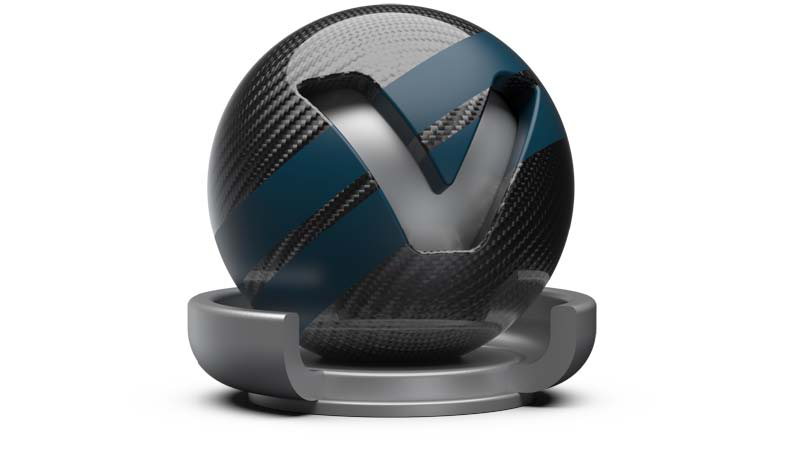
Multi Pass materials display multiple materials in different layers on top of each other. Use them to set up dirt, promotion labels, and other types of complex materials.
A bin shader is created, which can layer TrueLight materials. The first material in the list is the first rendered. The following shaders are rendered according to their position in the list from top to bottom.
Create Multi Pass material layers in two different ways:
-
Drag with the right mouse button to assign within the render view, then right-click and select Add as Multi Pass. Both materials, before assigned and the dragged one, are present within the created Multi Pass material as different layers.
-
Use the Multi Pass create context menu entry. Assign materials that should be present within the layers by dragging within the Multi Pass material attribute window.
To change the drawing order of layers, drag them. Alternatively, use the Move Up and Move Down commands on the Multi Pass material attribute window context menu.