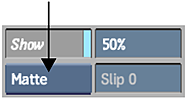
You can view the matte as you use it.
- Load the matte into Paint.
- Enable Show.
- Select Matte in the Reference box.
Inverting the Matte Clip
Click Invert to invert the matte in the current frame. Enable Invert Lock in the Setup menu to invert the matte in every frame of the clip.
Changing the Matte Display Transparency
When viewing the matte, use the Transparency field to vary the matte display transparency from 0% (completely transparent) to 100% (fully opaque). Press Alt+T or click Transparency in the Setup menu to toggle between the last set value and 100%. The transparency value only affects the display of the matte. It does not affect how the matte is used.
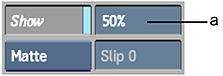
(a) Transparency field
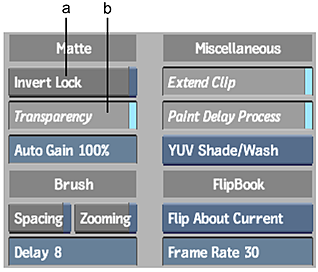
(a) Invert Lock button (b) Transparency button
Changing the Matte Colour
If the colour used to display the matte blends with the image, you can change its colour. The matte is always created using shades of grey.
- Set the current colour.
- Click the Matte colour pot.
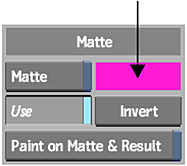
The matte colour display changes to the current colour.