Interface introduction
The following videos introduce the user interface and provide a high level overview of the components of the interface and its capabilities.
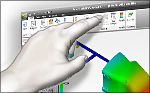 | A brief video describing the command ribbon and its arrangement. |
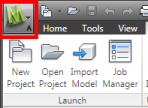 | Access project tasks in the Application menu. |
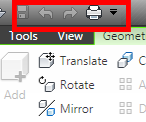 | Move commonly-used commands to the Quick Access Toolbar for easy access. |
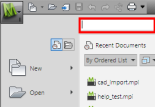 | Quickly find and activate commands with the command search tool. |
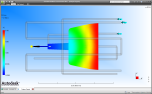 | Control your screen space and panel viewing. |
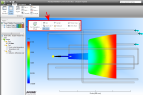 | See how to drag buttons and panels to form new command groups. |
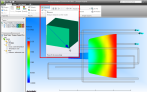 | See how progressive tooltips provide enhanced information as you pause your cursor over some buttons. |