To change the results display
- Click
 then Options.
 - In the Options dialog, click the Results tab.
- Make changes, then click OK to save them.
To change the font:
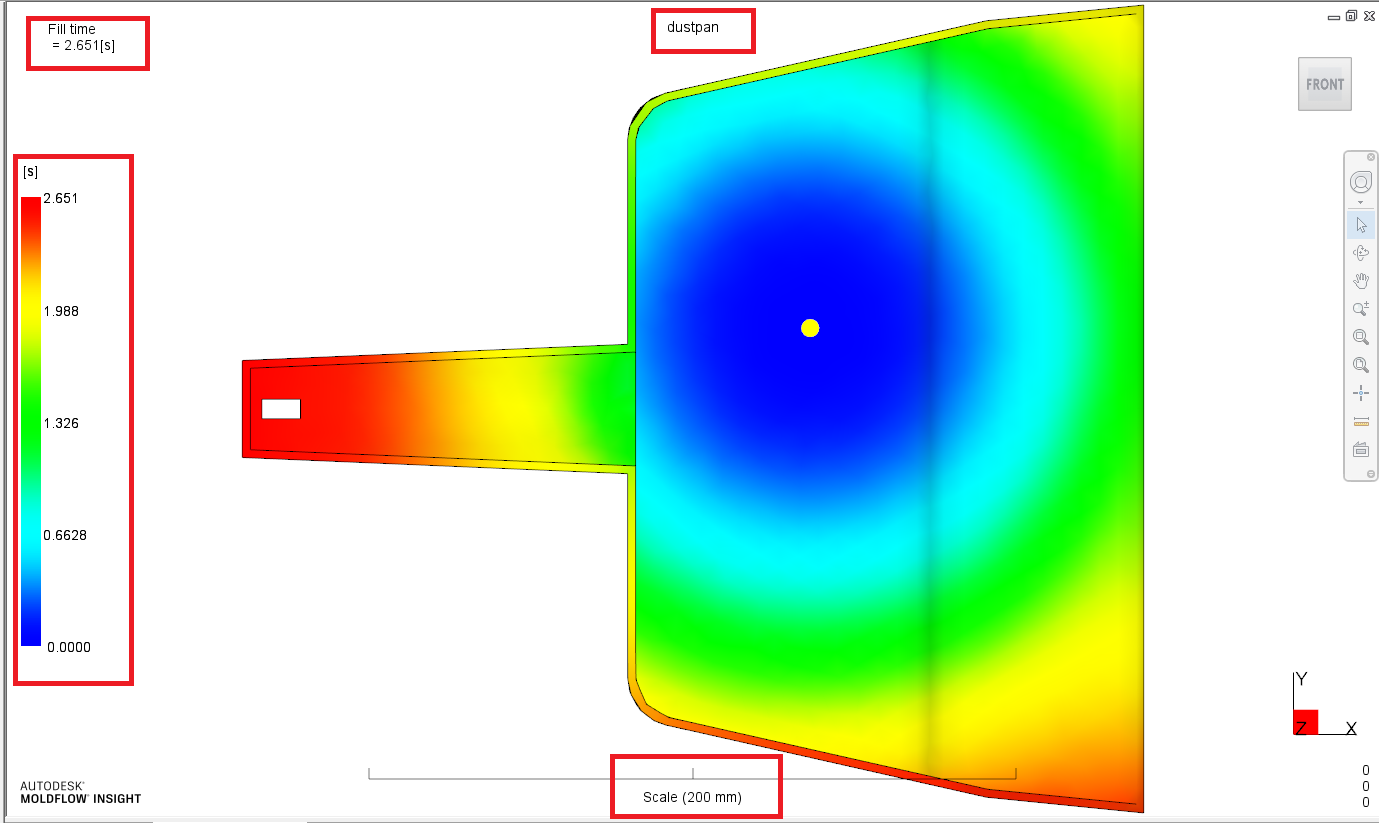
In Result Display Font section, select the font type and the font size to apply to the plot name, legend bar and ruler.
To change the default results:
In the Default results section, click Add/Remove, then move results into or out of the Default results column.