Search for Information
Enter keywords or a phrase in the InfoCenter search box to search for information.

When you work online, and you enter keywords or a phrase in the InfoCenter search box, it searches the contents of the Navisworks online help, forums, and articles.
Tip: Keyword searches produce better results. In case of a misspelled word, spelling suggestions will be shown instead.
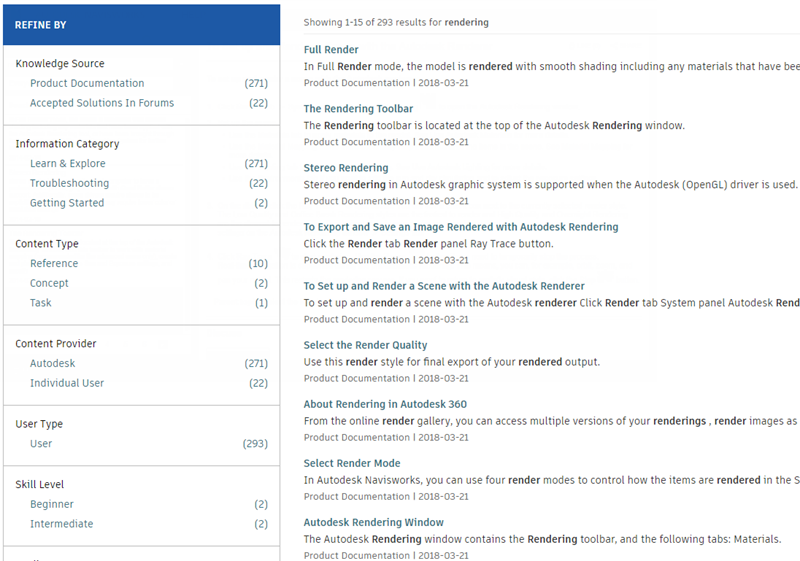
Click a link in the list of results to display the topic, article, or document. You can also use the filters in the Refine by panel to narrow the scope of the search. For example change from the default 'Everywhere' to search only in the 'Getting Started' help topics.