Search Preferences
In the Menu Bar, click Edit > Preferences, then on the left side of the dialog box, select Search. After making any changes, press Apply and OK to save them.
Advanced Search
Options in this section influence the behavior of the advanced search.
Live Search
Sets the default behavior for whether predictive text suggestions appear when entering text in the search field of the advanced search. When disabled, no suggestions appear.
Advanced Search Favorites
Options in this section influence the behavior of the advanced search favorites.
Menu Structure
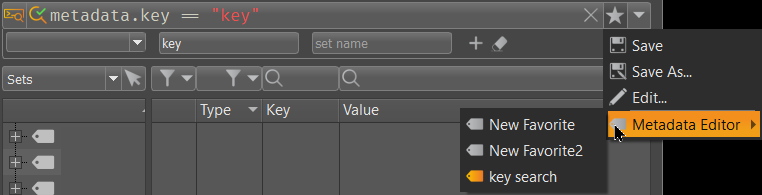
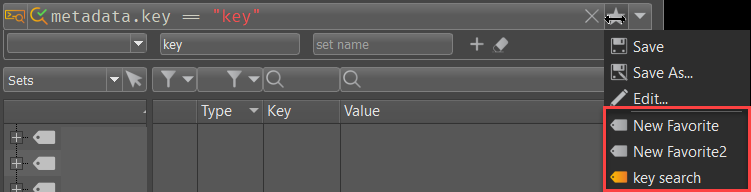
Select the default behavior of the Favorites menu structure. Choose from Grouped and Flat.
Grouped - Displays all favorites in the Favorites menu grouped in a folder.
Flat - Displays all favorites in the Favorites menu as a list.
Write/File
Sets the default file used for writing the current saved favorites to. Click Add File to add a different .json file to the list. Click the icon in the Write column to set the file to use. To remove a file from the list, click the icon next to the file to select it, then click Remove File.