Vault ribbon and the browser inside Inventor now support the dark theme.
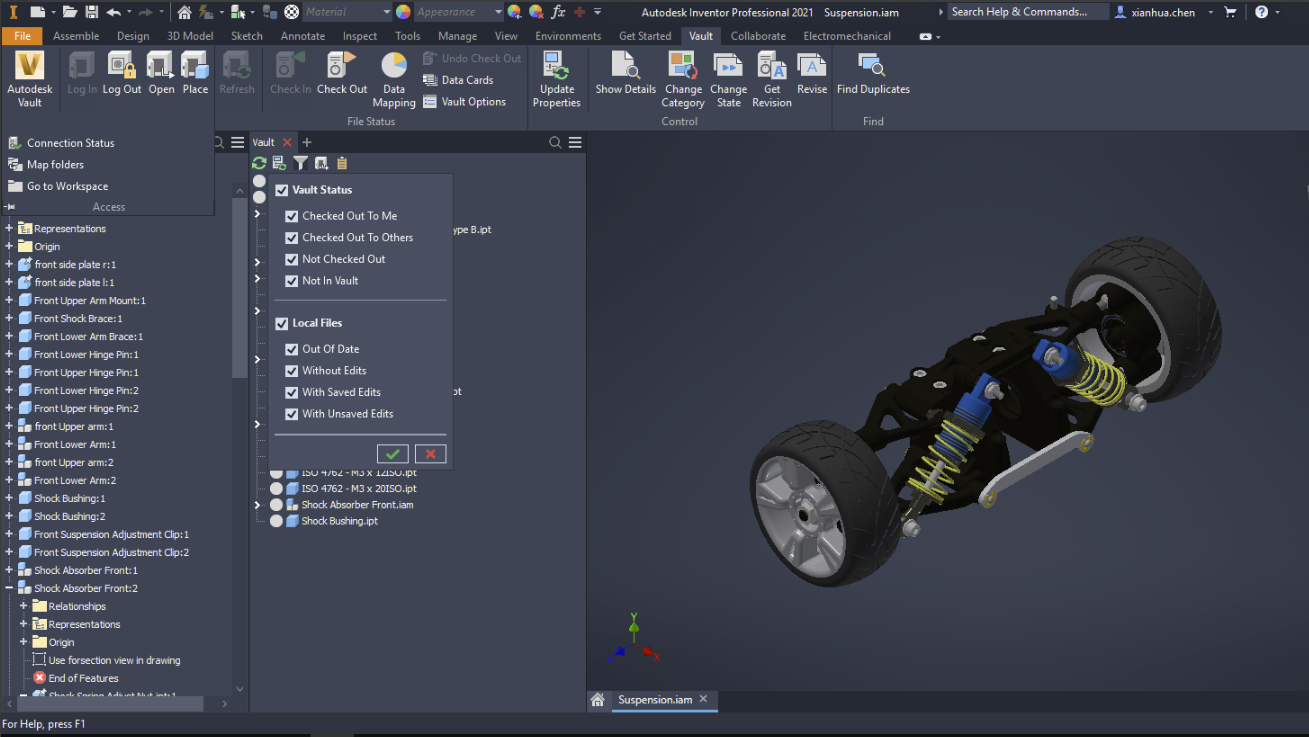
You can easily switch between Dark and Light themes. In Inventor, go to Tools > Application Options panel > Colors tab. In the UI Theme section, click the drop-down list and select Dark.