- Autodesk Inventor Nastran を起動します。
- [開く]から C:\Users\Public\Public Documents\Autodesk\Inventor Nastran 2023\Tutorial\en-us\Inventor 2023 フォルダにナビゲートし、 propeller.ipt を開きます。
- [ファイル]、[名前を付けて保存]をクリックし、パーツを Normal Modes Propeller.ipt として保存します。これにより、元のパーツを再使用することができます。
- をクリックします。
に移動します。単位をインチと lbmass (ポンド)に設定します。これらは、既定の単位になります。

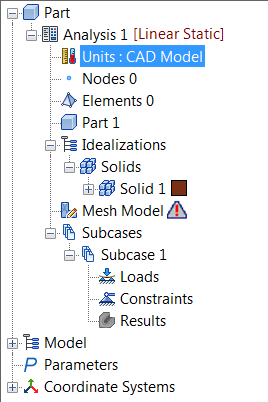
- または、パーツ ツリーで[単位]をダブル クリックし、[単位系]を選択して、単位をインチとポンドに設定します。
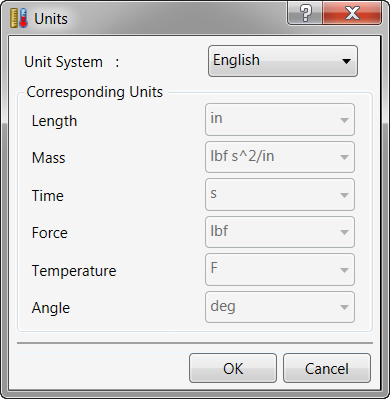
- [OK]をクリックします。