Volume Display in the Viewport
Viewport Display Modes
When loading an OpenVDB file in an Arnold Volume object, you should see the volume in the viewport with different display settings. The display settings adapt the display of the volume objects based on the viewport mode.
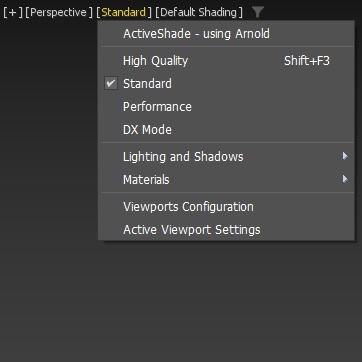
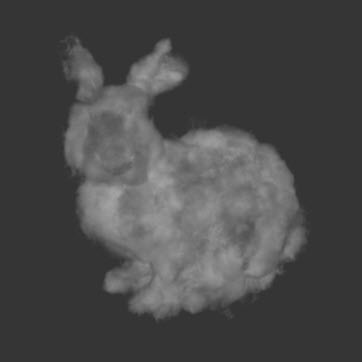
Standard
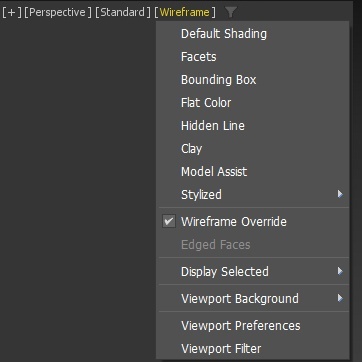
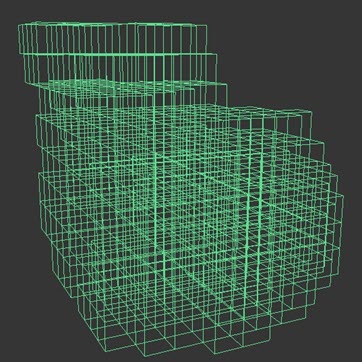
Wireframe Override
The look will not change drastically in the viewport between the Standard and High-Quality display modes.
Wireframe
Box display of the quads to show the wireframe shape of the volume.
Flat
No shading applied on the volume object.
Standard
Basic shading of the volume object.
Object Display Properties
Uses the same display option modes as other mesh objects in 3ds Max.
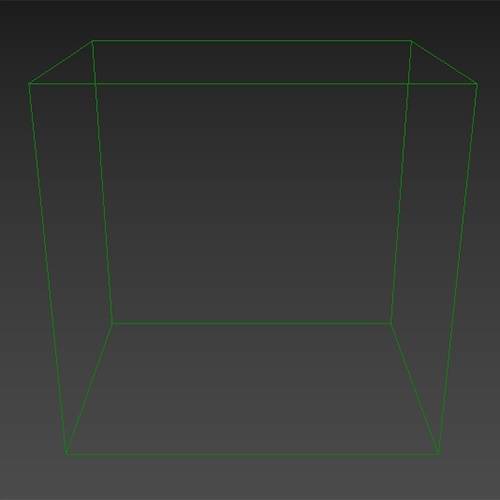 |
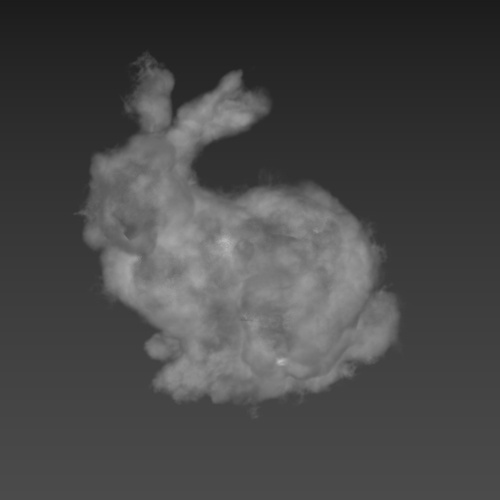 |
| Display as box | Display as options |
Display as Box
Only the bounding box shows the extent of the volume object.
Display options
If no display options are chosen in the object properties this just displays based on the current display mode.
Viewport Display (volume object)
Volume object that contains grids, such as the Arnold volume object (Fog) or level sets (SDF (signed distance fields), display properties as a rollout on top of the object's user interface in the modifier stack.
The viewport display rollout only contains functionality for the viewport display options. No functions that affect the rendering in Arnold are part of this rollout.
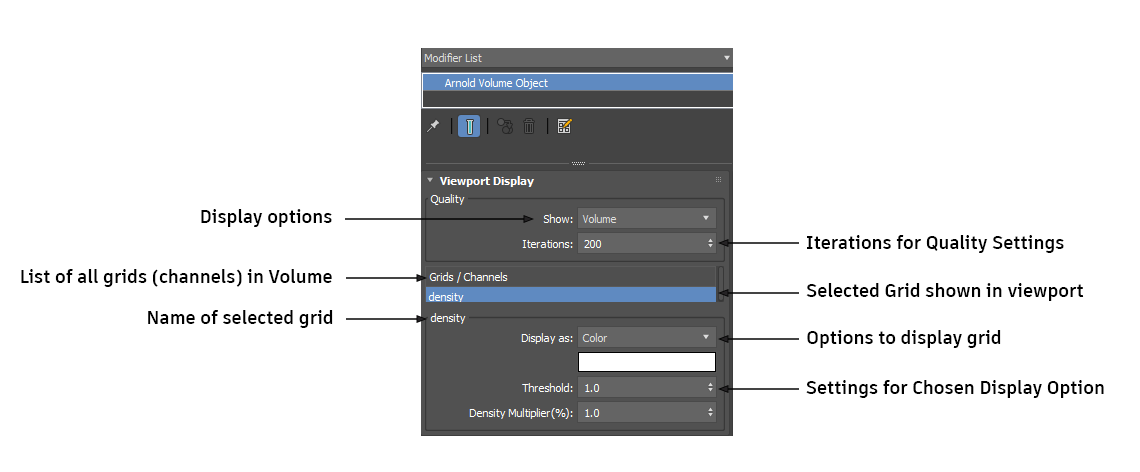
Quality
This is what is displayed in the viewport to represent the selected channel/grid of the volume in volume display mode.
Show
Selects the viewport volume display type. The choice of quality will affect the performance.
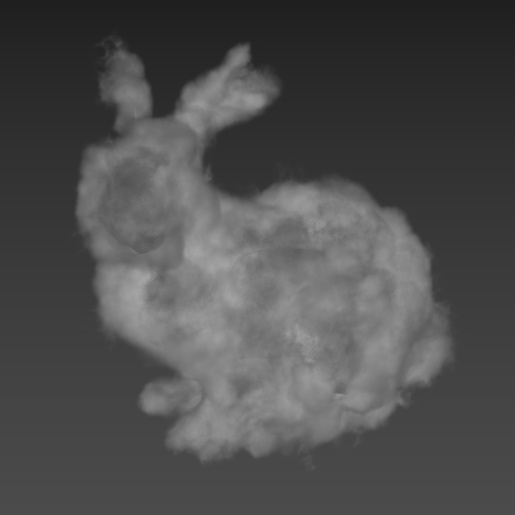 |
 |
 |
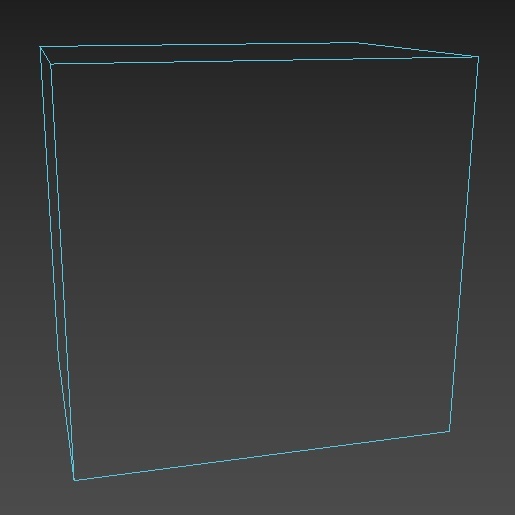 |
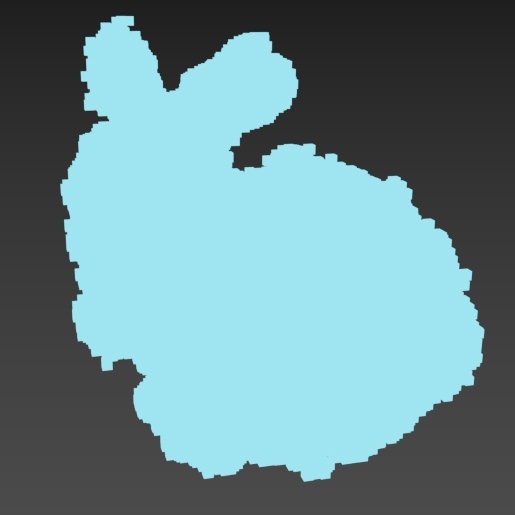
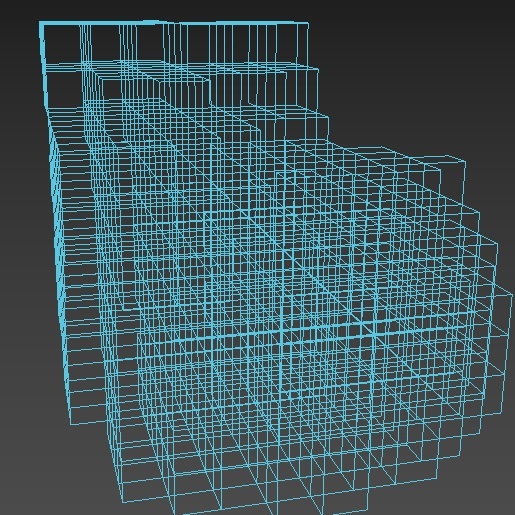
| Volume (default) | Active voxels | Wireframe | Bounding box |
Volume (default)
- Iterations. The representation of the selected grid is defined in the grid's settings (group). This defines the volume quality. Lower values degrade the quality (fast performance) whilst higher values display a higher quality (slower performance).
Active Voxels
Limit: checkbox (default on).
- This limits the number of voxels displayed in the viewport. This can range between 1 and the total number of voxels found in the volume. When disabled, all of the volume's voxels are displayed.
Maximum: maximum amount of voxels displayed. Voxels are sparse in the volume so that even with a small amount, the shape of the volume is still perceivable.
- When the limit is disabled, the maximum widget is disabled.
The wire color of the object is used for the color of the active voxels.
Wireframe
- Subdivisions: Defines volume wireframe quality. A higher number of subdivisions creates more detail.
- The wire color of the object is used for the wireframe.
Bounding Box
- No settings. The wire color of the object is used for the bounding box. When switching from one mode to another, the values of the quality settings are remembered.
Grids / Channels
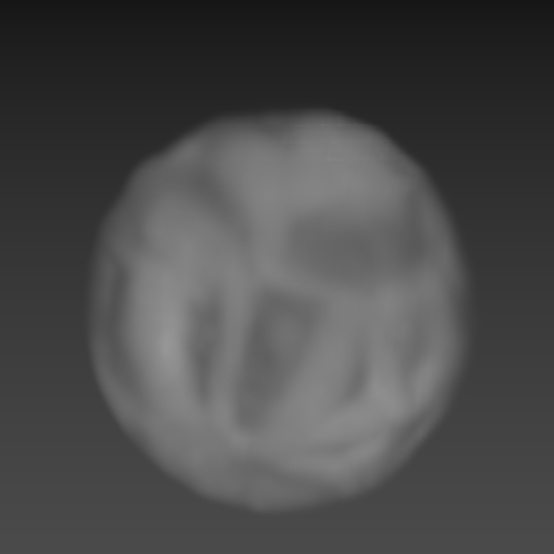
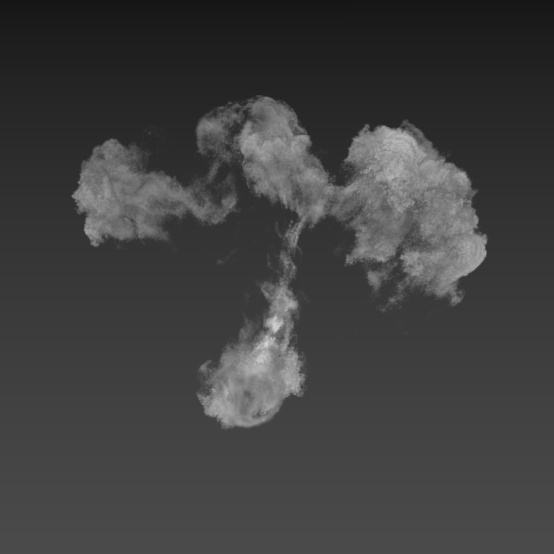
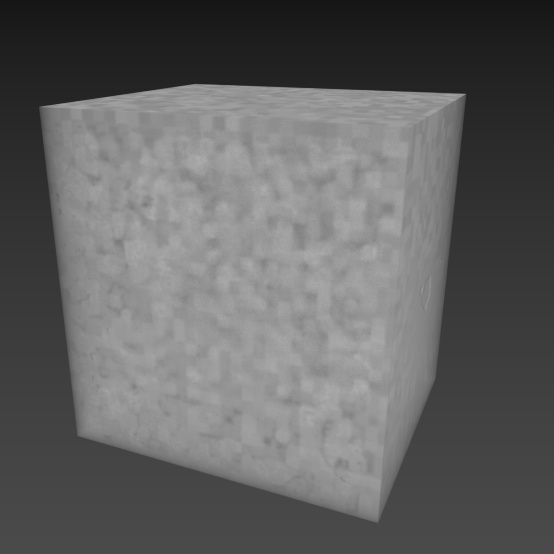
A list of all the grids in the OpenVDB file is visible in the list view. Only one grid can be selected at once in the list. The selected grid in the list is the one displayed in the viewport. W hen there are multiple grids loaded, each grid has its own settings.
 |
 |
 |
 |
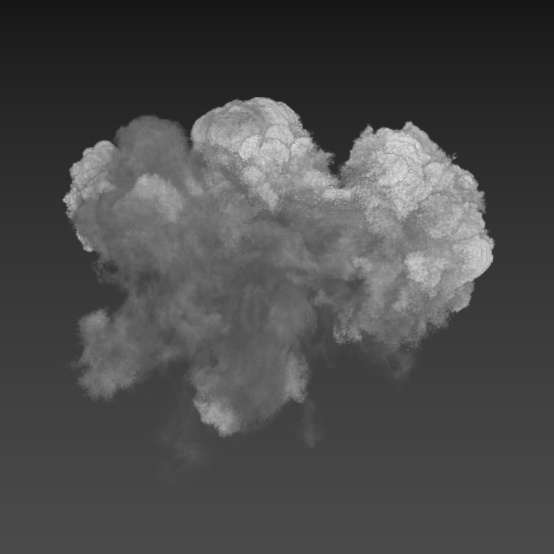
| Density | Fuel | Heat | Temperature |
VDB volume with four channels/grids: density, fuel, heat, and temperature.
Grid List items:
Float grid
Float grid.
Level set grid
Signed density field grid (level set).
Vector and point grids are not currently supported.
Display Settings for Selected Grid/Channel
The name of the selected Grid/Channel.
Display As
Defines visual representation of the volume in the viewport. Defines what options are available for the type of grid. There are three types of grids:
- Signed Distance Fields (SDF or Level Set). Display as mesh or voxels.
- Float Grid (density, temperature).
- Vector (velocity).
 |
 |
 |
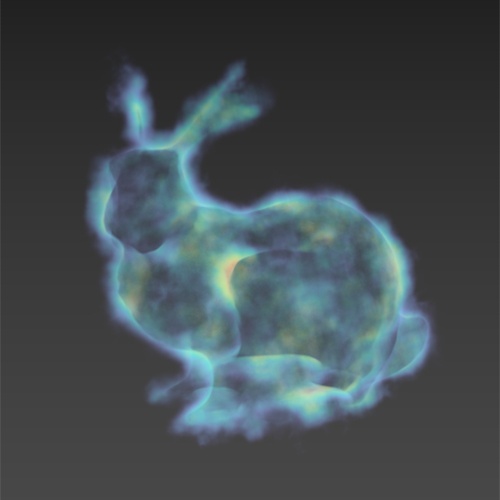 |
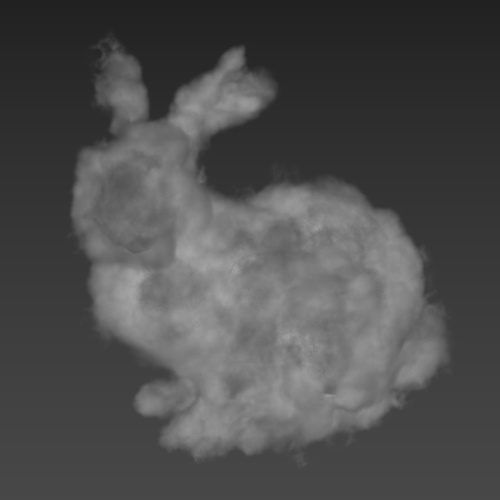
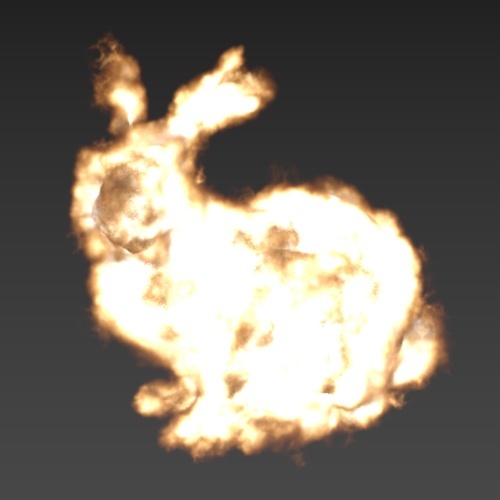
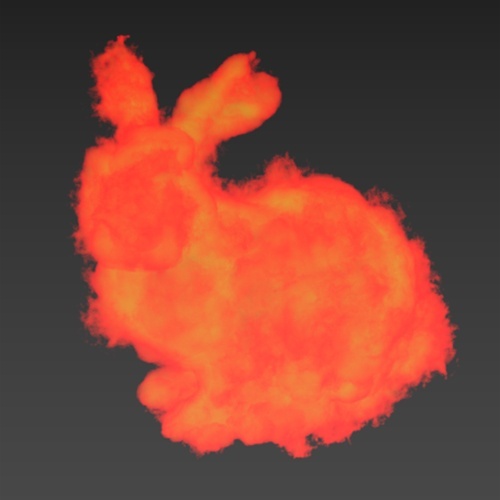
| Color | Blackbody | Gradient Ramp | Turbo Spectrum |
Color (volume color)
Threshold (default: 1).
Density Multiplier (%). Default 0.1.
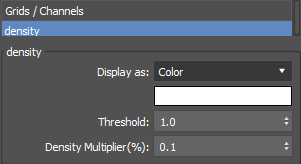
Display as: Color
Blackbody
Color gradient info visual (Blackbody colors).
Blackbody normalize (enabled by default).
Blackbody Intensity (default: 1.0).
Threshold (default: 1).
Density Multiplier (%). Default 0.1.
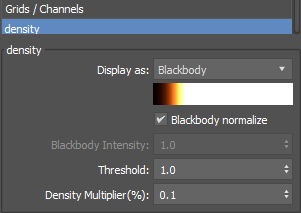
Display as: Blackbody
Gradient Map
TexMap button (default: Gradient Ramp). Select a gradient map.
Gradient map colors.
Offset (curve). Curve editor for gradient map.
Threshold (default: 1).
Density Multiplier (%). Default 0.1.
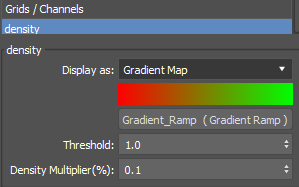
Display as: Gradient Map
The Gradient Map can be instanced in the material editor for editing like any other map in 3ds Max.
Turbo Spectrum
Color gradient info visual (Turbo Spectrum gradient colors).
Threshold (default: 1).
Density Multiplier (%). Default 0.1.
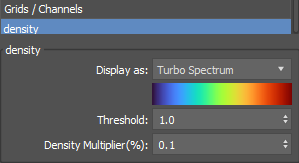
Display as: Turbo Spectrum