Toon Shading a Building
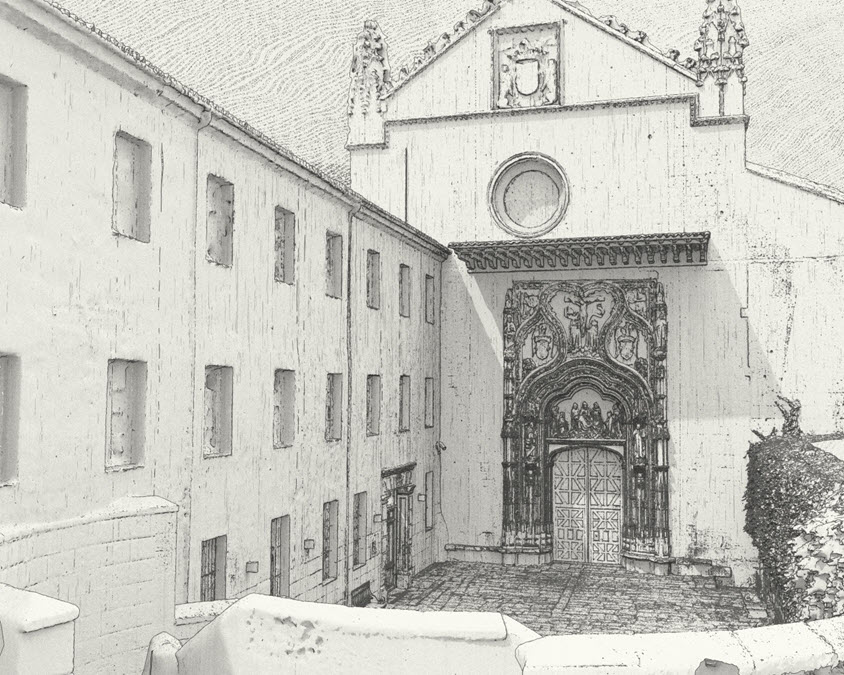
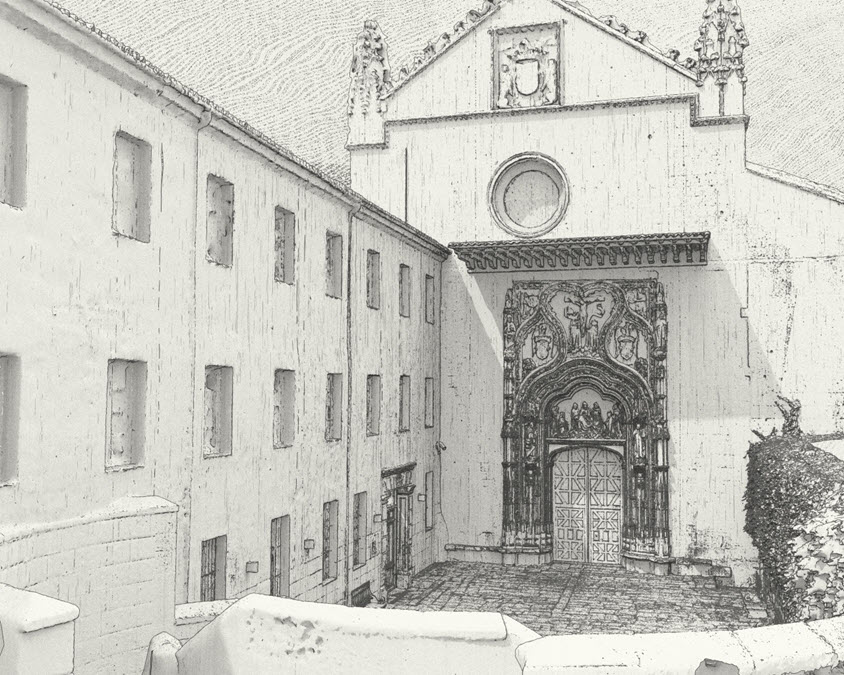
This short tutorial covers how to create an old, worn 'illustrative' sketch-style using the Toon shader to create the above image. It covers how to use Base Tonemapping and Edge Detection in combination with bump mapping using a Noise shader to create a hatching effect. Thanks to Javier Garcia-Lajara Herrero for the use of his convent model.
- Start off by assigning a Toon shader to the geometry.
- Change the Filter Type to Contour (Arnold render settings). Without it, you will not be able to see the Toon Edge shading in the render.
- Reduce the specular_weight to 0 as we do not want any specular shading in the render.
- Create a skydome_light and render the scene. It should look something like this.
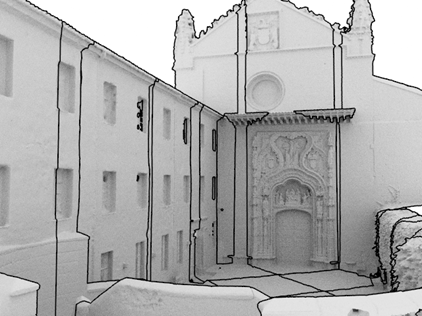
Edge Detection
- Reduce the Angle Threshold to around 20 (Toon-> Edge Detection). This will give us more detailed edges around the geometry.
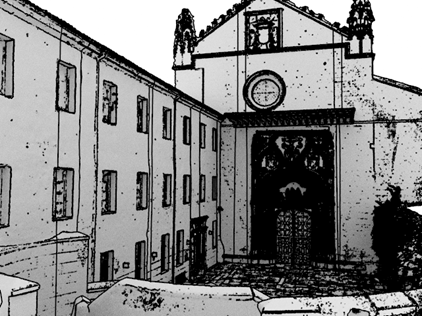
- The Edges appear too thick and black. We can fix this by reducing the Edge Width Scaling to around 0.4.
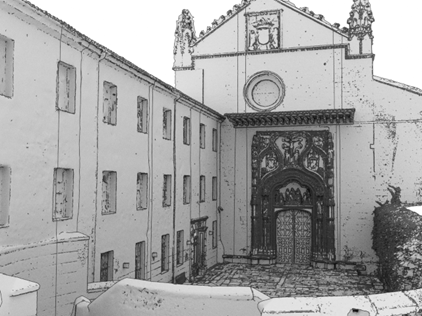
Base Tonemap
- The Base shading looks too dark for the illustrative effect that we want. We can adjust this by using a ramp to determine how the Base shading is affected by the lighting in the scene. Connect a black and white ramp to the Base Tonemap and increase the amount of white in the ramp until it looks like the image below.
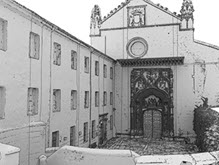 |
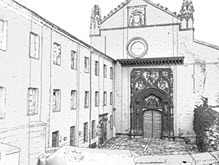 |
| Without Base Tonemap | B&W Ramp > Base Tonemap |
Hatching (Noise Shader)
Next, we will add a hatching style to the Toon Edge. To do this we can bump (or displace) the surface.
- Connect an Arnold Noise shader to Geometry -> Normal (bump mapping) in the Toon shader.
- Increase the number of Octaves to 8. Reduce the Scale in Y to 0.01. This will stretch the noise in the vertical direction and give the impression of a hatching effect.
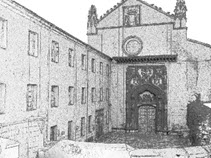 |
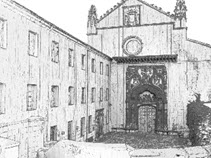 |
| Noise Scale: 1 | Noise Scale Y: 0.01 |
- Try experimenting with different Noise shaders/settings to get different hatching/stippling effects.
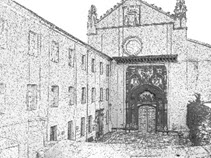 |
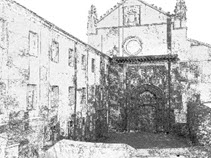 |
| Cell1 | Wispy |
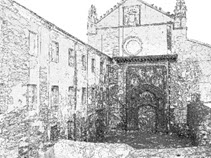 |
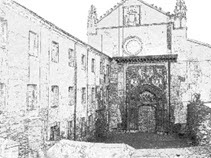 |
| Billow | Perlin |
Various Noise shaders -> Bump Mapping
Final Rendering
- Connect an HDR map or a physical_sky to the skydome_light.
- You could also add a pale yellow base and emission_color to the Toon shaders to give a worn paper effect.
- Try adding a similar shading effect to the sky using a polygon plane behind the geometry as used in this case.
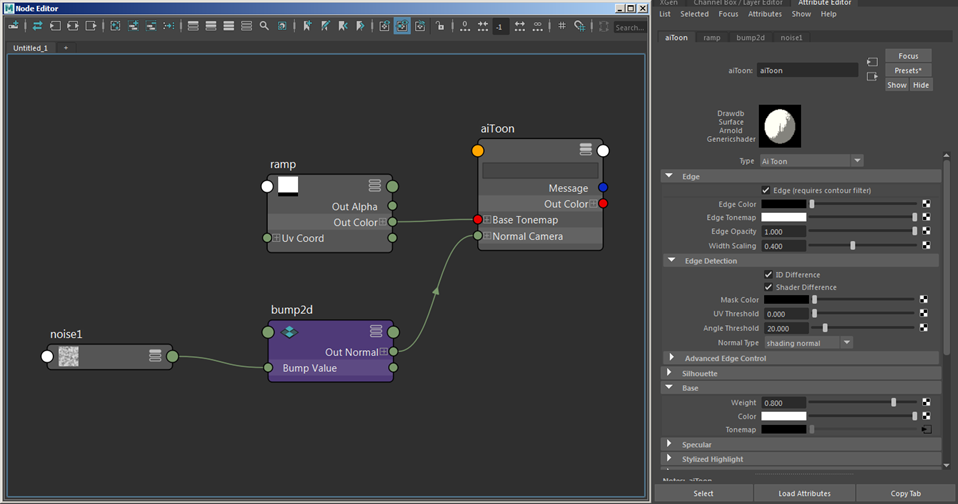
Final shading network