 Measure Distance
Adds a locator that show the distance between two points.
Access this tool from the Locators palette:

Distance Options
Length
True – The true measurement in 3D world space (such as seen in the Perspective window).
Projected – The measurement reports the distance/angle as it appears in the window in which the measurement was created.
Measure Distance tool workflow
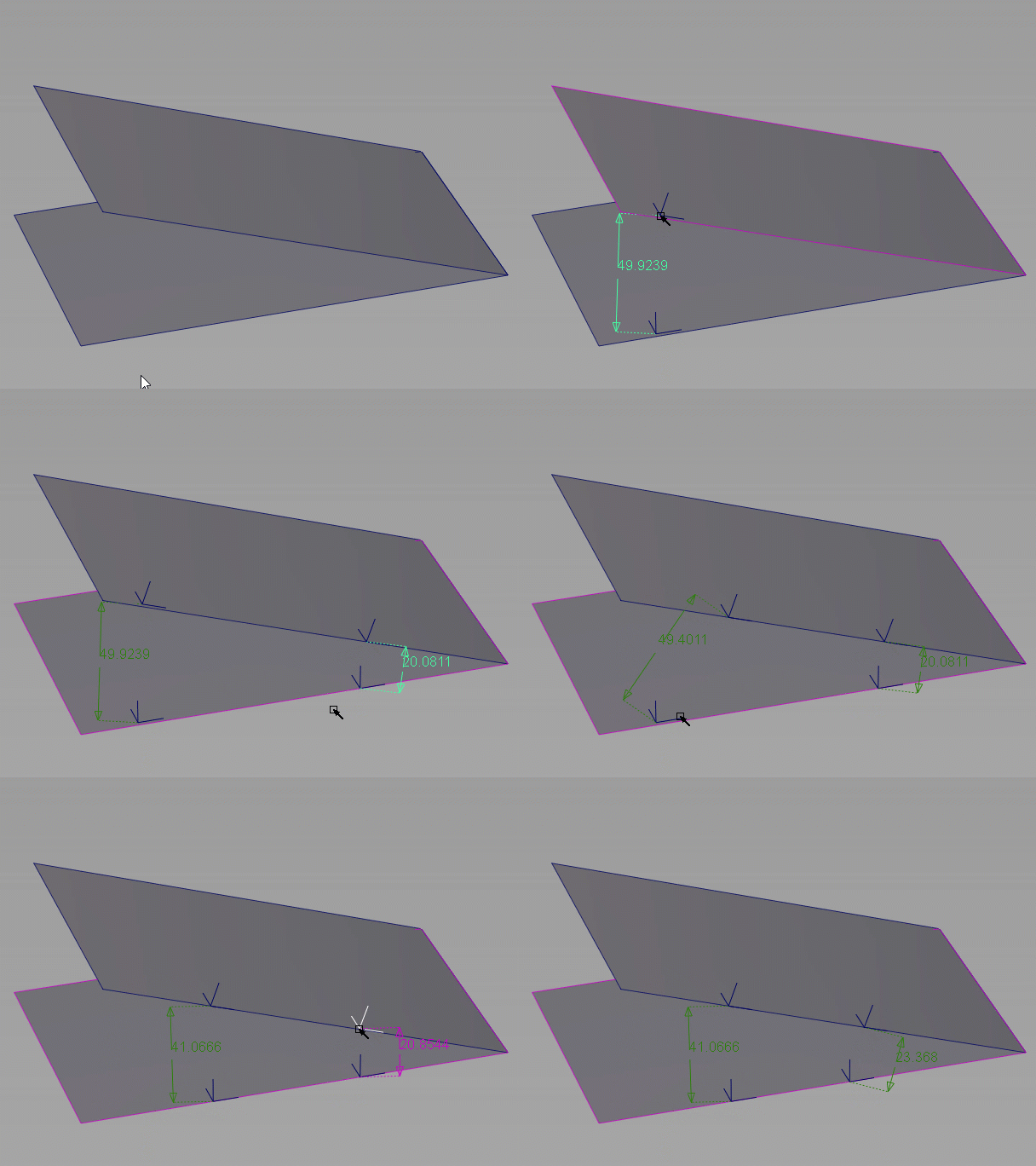
How to measure a linear distance between two points or locators
Select the tool.
Click a locator for the start point, or
Click in empty space to add a world space locator, or type 3D coordinates to place the locator exactly.
Click a curve to add a curve locator.
Click an isoparametric curve on a surface to add a surface locator.
Click a mesh to add a space locator attached to the mesh.
Tip: If more than one object are under the cursor, the pick chooser appears. Point to the hand icon next to the object you want. Keep the mouse button down to position the reference point.
Click a locator for the end point, or click to create a new locator as in step 2.
If you are using an existing locator:
Click the
 to measure the diagonal distance between the locators.
Click the
 to measure the horizontal distance between the locators.
Click the
 to measure the vertical distance between the locators.
If you are creating a new locator:
Click the
to place the end locator freely.Click the
to place the end locator horizontal to the start point.Click the
to place the end locator vertical to the start point.If you want to measure horizontal or vertical distance on an existing distance locator, change the Display parameter in the Information window.
To move a locator handle, click and drag it to a new position.
You can edit the parameters of the locator in the Information Window.
Note: The points of a distance locator are displayed as crosses only when the Distance tool or the Move locator tool is active.