 Measure Radius
Adds a radius or diameter measurement to a curve.
Access this tool from the Locators palette:
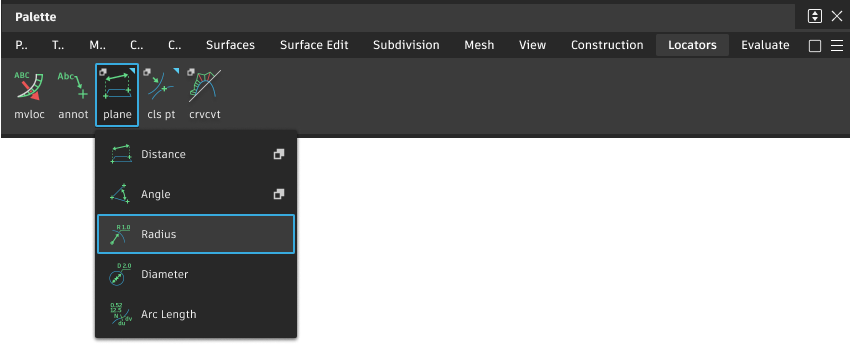
Measure Radius tool workflows
Measure the radius of a curve or arc
Select the tool.
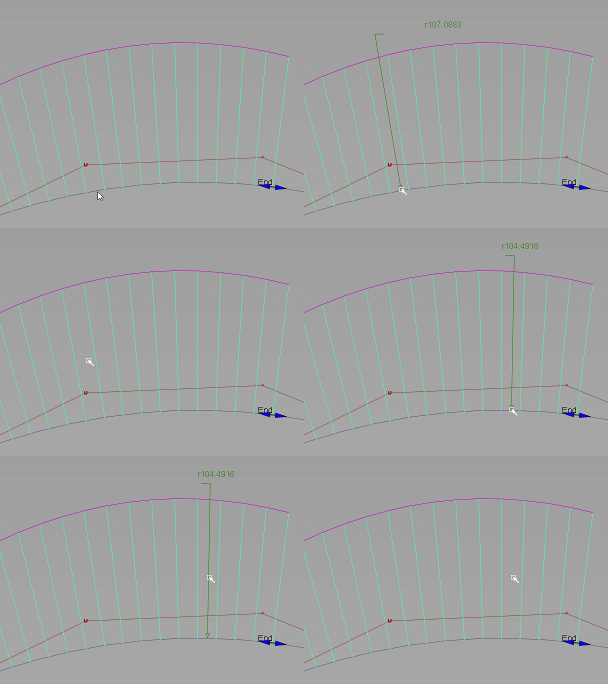
Click the curve you want to measure. You can move the new measurement while the mouse button is down.
The locator appears and shows the radius of the curve at that point. When you release the mouse button, the measurement is attached to the curve.
A point (cross) indicates the center of curvature (that is, the center of a circle having the same radius as the curve at the position of the locator).
Do one of the following:
- Drag the arrow head to move the measurement along the curve.
- Drag the text or leader line to change the length of the leader.
- Hold
 and click off the measurement with the
  to toggle the display of a leader between the center of curvature and the curve.
Turn off the label arrows
- Use the Locators > Move Locator tool to pick the label, then open the information window and turn off the arrow option.
Display all the radius values along a curve
To see a continuous comb plot of radius values along a curve, use Locators > Curve Curvature
 with the Plot Value option set to Radius.
To see radius values at specific locations along the curve, Shift-click the curve. Shift-click a radius callout to delete it. Radius values can be displayed this way regardless of the Plot Value option you have selected.
Related pages