 Measure Diameter
Adds a radius or diameter measurement to a curve.
Access this tool from the Locators palette:
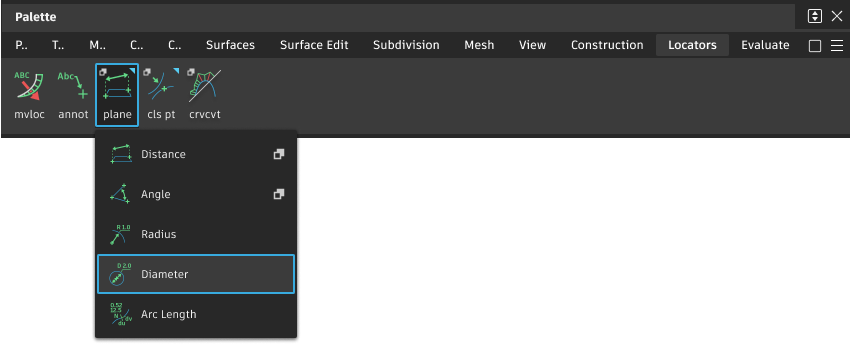
Measure Diameter workflows
Measure the diameter of a circle
Select the tool.
Click the circle you want to measure.
The locator appears. You can move the new measurement while the mouse button is down. When you release the mouse button, the measurement is attached to the circle.
Do one of the following:
- Drag the arrow head to move the measurement along the circle.
- Click the arrow then click the
 to align the measurement horizontally. Click the
  to align the measurement vertically
 - Click and drag the text or dimension line to change the length of the leader.
- Hold
 and click off the measurement with the to toggle a different display that shows the center of the circle.