 Shell Intersect
Keeps the intersecting volume of two shells and discard the rest.
Access this tool from the Surface Edit tool palette:
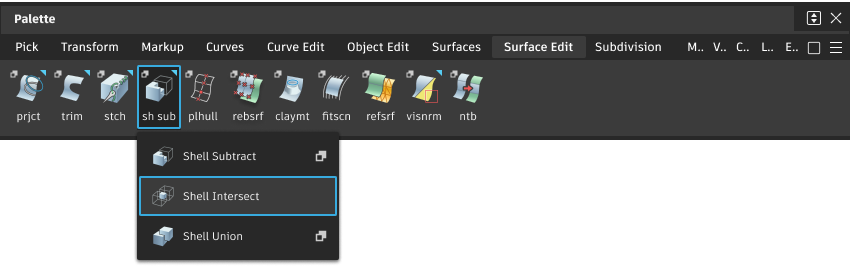
Shell Intersect Options
Keep originals
When selected, template the original shells after the Boolean operation.
Otherwise, delete the original shells.
Shell Intersect workflow
Delete all but the intersecting volume between two shells
- Select tool .
- Click the two shells whose intersecting volume you want to keep.
What if...?
- A boolean operation does not work?
Make sure the shell’s normals are pointing outward.
Boolean operations may not work on shells that contain problematic geometry such as collapsed sides or multi-knots.
Boolean operations may not work on shells that have open edges. Use Object Edit > Query Edit to check for open edges. If Closed Volume is True, there are no open edges. Otherwise, the number of open edges is given, and they are clearly indicated by red arrows.
- I want to work with multiple shells at once?
Group the shells and perform the boolean operations on the groups.