Share a link to a copy of the current drawing to view or edit in AutoCAD on the web or AutoCAD on mobile. All related DWG xrefs and images are included.
- Click . Find
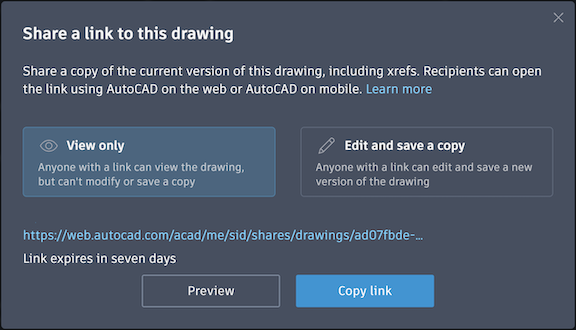
- Select whether to share the drawing as view only or with editing permissions.
 Note: When you save a drawing that has been shared with you, any xrefs will be saved to the same folder location as the parent file.
 - Click Copy Link.
Send the link to your collaborators. The link opens the drawing in the AutoCAD web app or the AutoCAD mobile app.