This page highlights new features included in Autodesk® Nastran® In-CAD 2018.1. Note that this list is not necessarily comprehensive. There may be other minor changes to the software that are not enumerated here.
Beginning with this release, Nastran In-CAD can be used only with Autodesk Inventor; it cannot be used with SolidWorks from Dassault Systèmes.
New Features
- Advanced Material Exchange: Use Inventor Nastran to import a structural input file generated by Advanced Material Exchange. After the file is imported, you can solve to simulate the as-manufactured model. This workflow allows you to simulate the changing fiber orientation distribution and the nonlinear material response in order to predict rupture in the fiber-reinforced material. Refer to the Edit topic for more information about importing the structural model or perform a tutorial using Advanced Material Exchange.
- Mesh Settings dialogs have changed. In the main dialog you can now set Element Size by entering a numeric value, as before, or by using a slider with a range from Coarse to Fine.

The Tolerance setting has been moved to the Advanced Mesh Settings dialog, which you can open with the Settings button on the main Mesh Settings dialog.

- Grounded Spring Connector is now available, for attachment to a single endpoint.
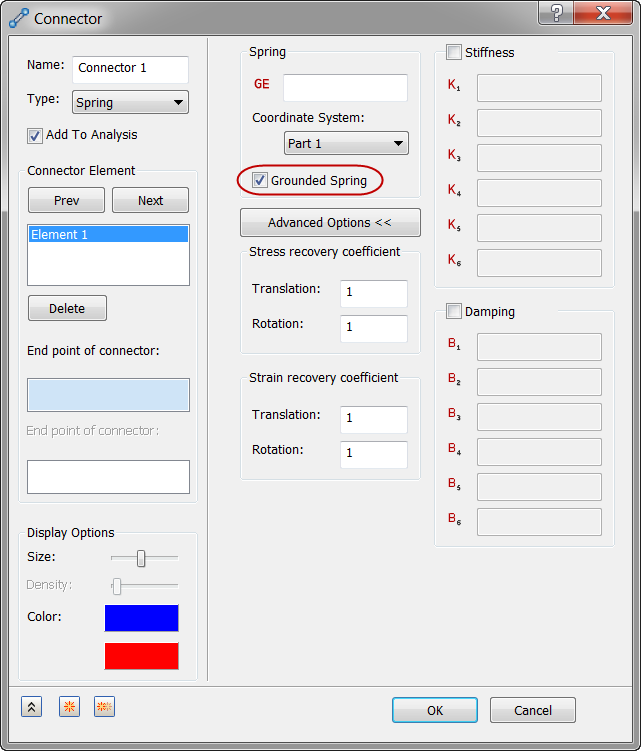
Another change to the Connector dialog for Spring connectors is the Advanced Options button (middle column) to display or hide the fields for Stress/Strain recovery coefficients, Stiffness, and Damping.
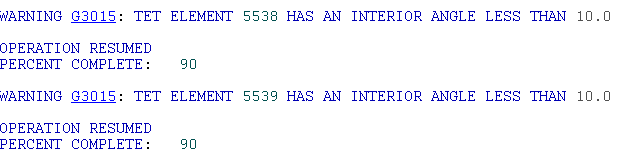
- Blue Text Warnings in the Nastran Output. These formerly displayed in red text. Now only fatal errors display in red.
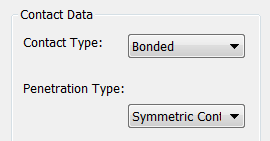
- Symmetric Contact is now the default Penetration Type for all Surface Contacts, whether they are created manually or automatically. The figure below shows the setting on the Surface Contact dialog.