You now need to add the created boundary to the Steep and Shallow Finishing toolpath together with the appropriate leads and links.
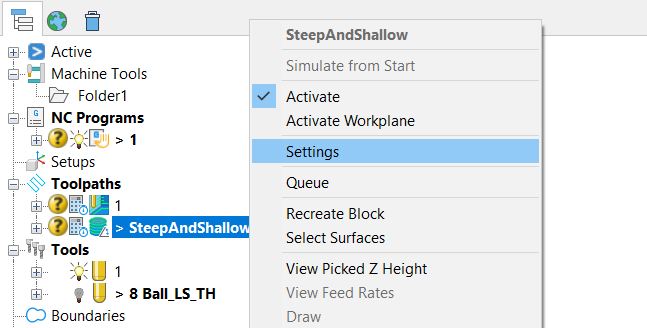
- In the Explorer, expand Toolpaths and select the SteepAndShallow toolpath.
- Right-click and select Settings from the context menu.
- On the Steep and Shallow Finishing strategy dialog:
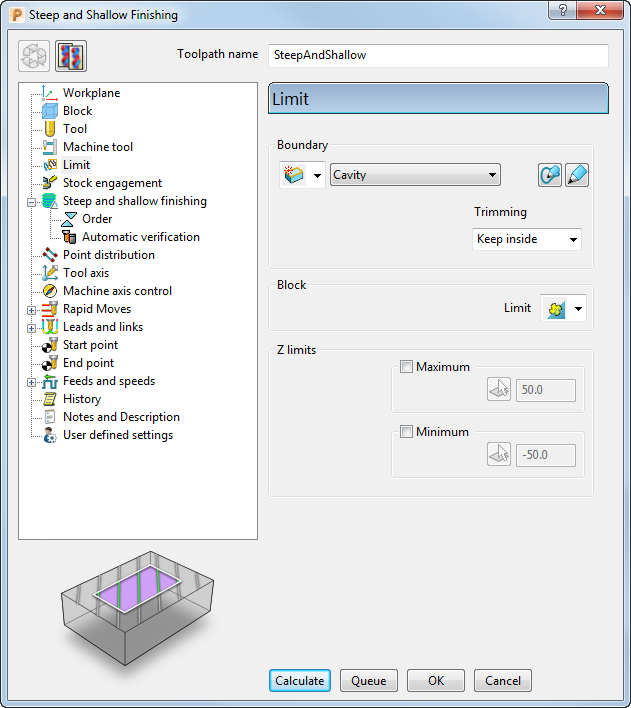
- Select the Limit page and:
From the Boundary list, select Cavity.
From the Trimming list, select Keep inside.
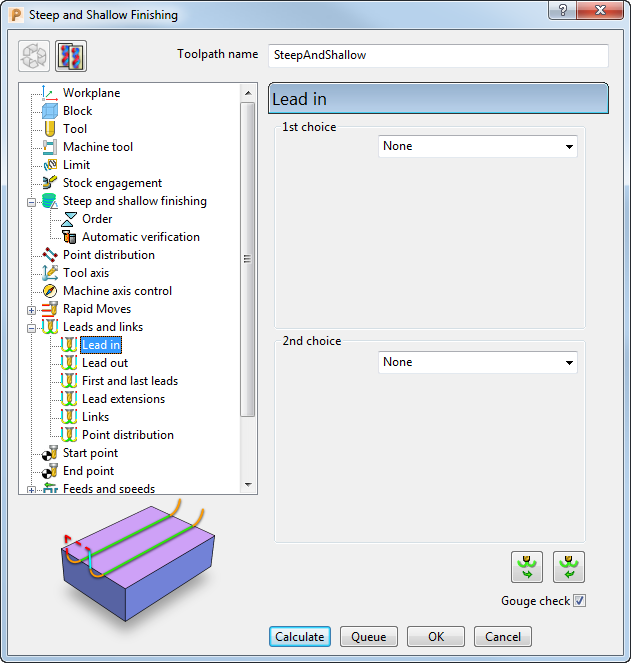
- Expand the Leads and Links page, select the Lead in sub-page and:
In the 1st Choice list, select None.
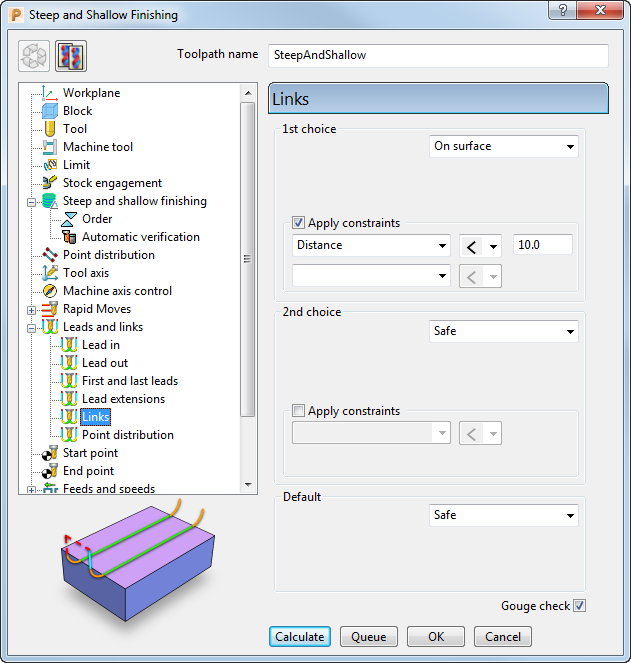
- Select the Links sub-page to define link moves between the cutting moves in the toolpath and:
In the 1st choice list, select On surface to define the type of link moves used to connect adjacent passes.
- Select the Limit page and:
- Click Calculate to generate the toolpath.
Progress is shown on the Status bar at the bottom of the screen. The generation may take a minute or so, depending on the processing power of your PC.
- After the toolpath is generated, Close the strategy dialog.