The new toolpath is automatically added to the active NC program. If for some reason, your toolpath is not there, use the mouse to drag the toolpath under the NC program manually.
To simulate the NC program:
- Click to reset the view.
- Click
- . It turns green and changes to On.
- To see the differences between toolpaths are more easily, click:
- .
- .
- In the Explorer, right-click the NC program
Cavity_Mold, and select
Simulate from Start from the context menu.
The NC program is automatically selected in the , and the Simulation Controls panel buttons are enabled.
- Click
, and allow the simulation to run through to the end.
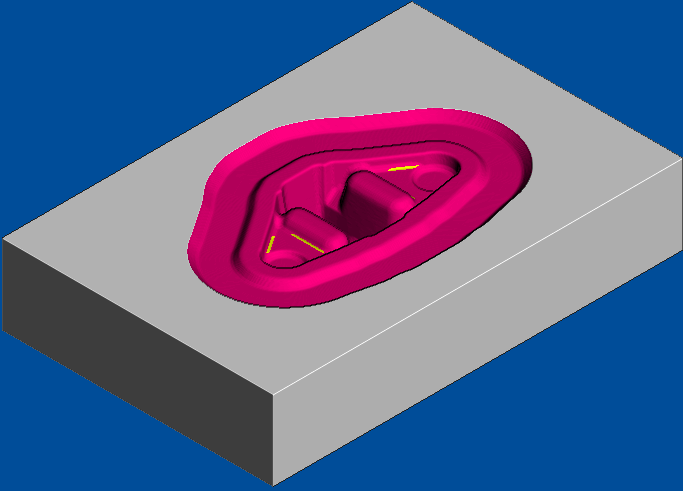
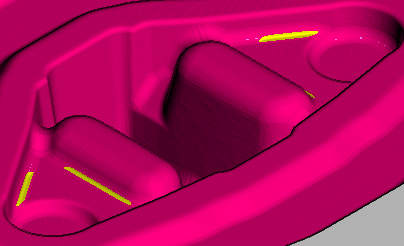
- Zoom into the unmachined areas. You can see that some of the corners need cleaning up, especially between non-tangential surfaces.
- Click , and select Yes to stop the simulation. The On button changes to Off and the standard PowerMill graphics window is displayed.