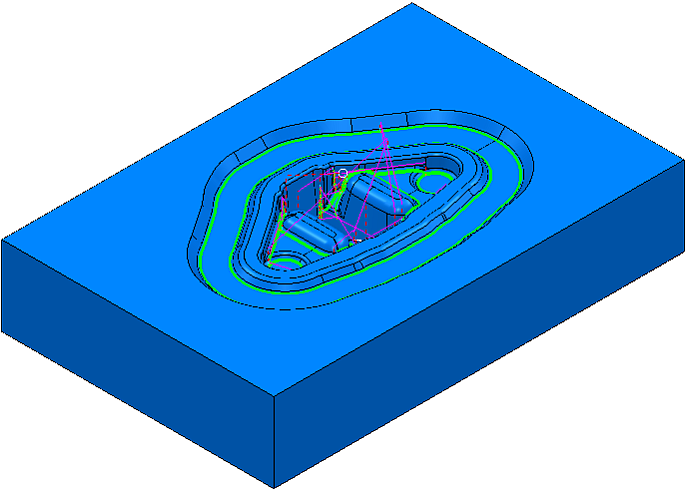
When the toolpath is generated, it is displayed on the screen:
Click
 to expand the
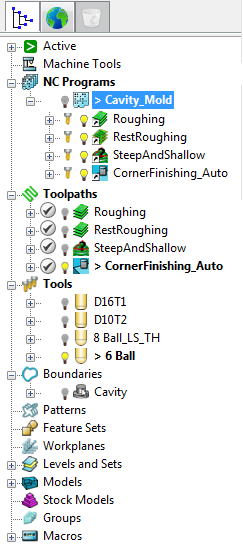
Toolpaths branch in the Explorer. The new toolpath is shown in
bold and preceded by the
> symbol to indicate it's active.
to expand the
Toolpaths branch in the Explorer. The new toolpath is shown in
bold and preceded by the
> symbol to indicate it's active.
If the NC program Cavity_Mold remains active, the toolpath is automatically added to it:
To save project changes, click .