Visualize the Results
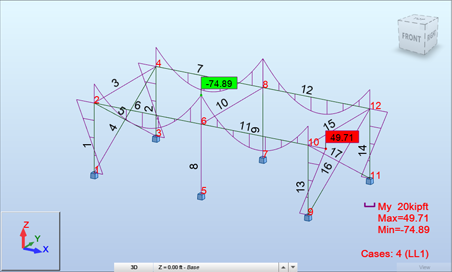
The Layouts drop-down list on the horizontal toolbar provides four layouts for viewing calculation results.

| Button | Layout | Purpose |
|---|---|---|
 |
Results | Displays graphical results including bending moment, shear, stress, deflection, and animation of results for a single beam or a selection of beams. |
 |
Detailed Analysis | Displays the Detailed Analysis dialog box. It has five tabs. Use the NTM, Stresses, and Reinforcement tabs to identify the quantities for the members selected from a structure. Use the Parameters tab to define how you want to display values in a diagram. Use the Division Points tab to indicate the points for which the values of relevant quantities are presented in the table. |
 |
Stress Analysis - members | Displays stresses in the longitudinal and transverse sections of a selected structure member. |
 |
Stress Analysis -structure | Displays the structure view, results table, and the Stress Analysis - Structure dialog. |