Scenegraph Preferences
Sets the component display and live search setting, plus the cloning settings for the Scenegraph.
In the Menu Bar, click Edit > Preferences, then on the left side of the dialog box, select Scene > Scenegraph. After making any changes, press Apply and Save to save them.
Base
Show Components - Toggles the display of component in the Scenegraph on or off. Displays components in the Scenegraph, when enabled.
Enable Live Search - Toggles live searching of content in the Scenegraph on or off. Searches the node list as you type, when enabled. This is enabled by default.
Enable Warning for Duplicate Names - Displays a warning when renaming a node and trying to use a name already assigned to another node.
Cloning
Sync Visibility of Clones - Toggles the syncing of clone visibility on or off and ensures the visibility of clones is synced, when enabled. See Clones for use.
Tip:Click Apply and OK after either enabling or disabling this functionality for it to work.
When enabled, the clone node visibility cannot be toggled off independent of the original object node.
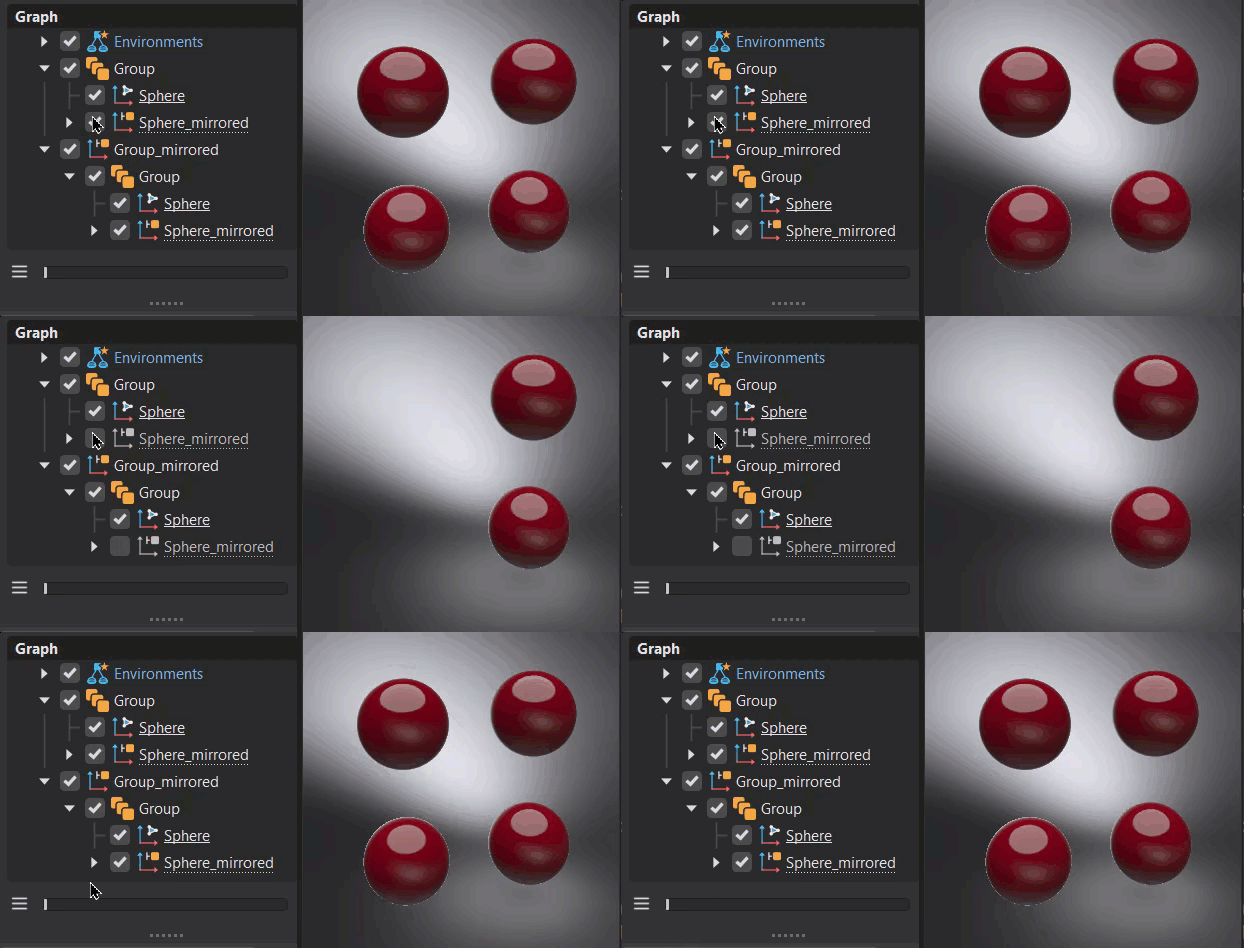
When disabled, which is the default setting, the clone node visibility can be toggled off independent of the original object node.
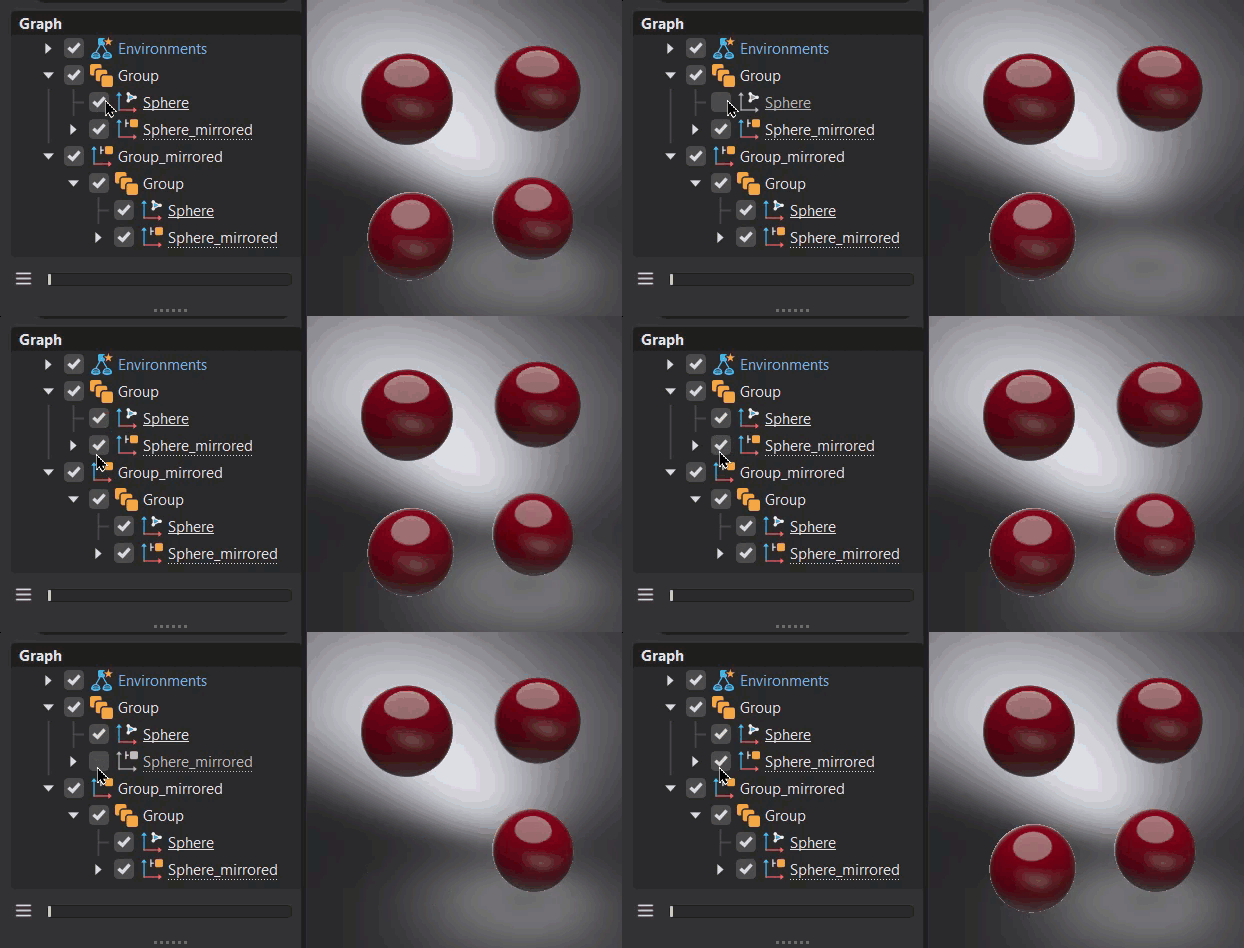
Transformable Clone Root - Toggles the transformation of a clone root on or off. This must be set before the clone is created. See Clones for use.
Tip:Click Apply and OK after either enabling or disabling this functionality for it to work.
When enabled, which is the default setting, the clone root can be transformed (moved, scaled, and rotated) independent of the original object node.
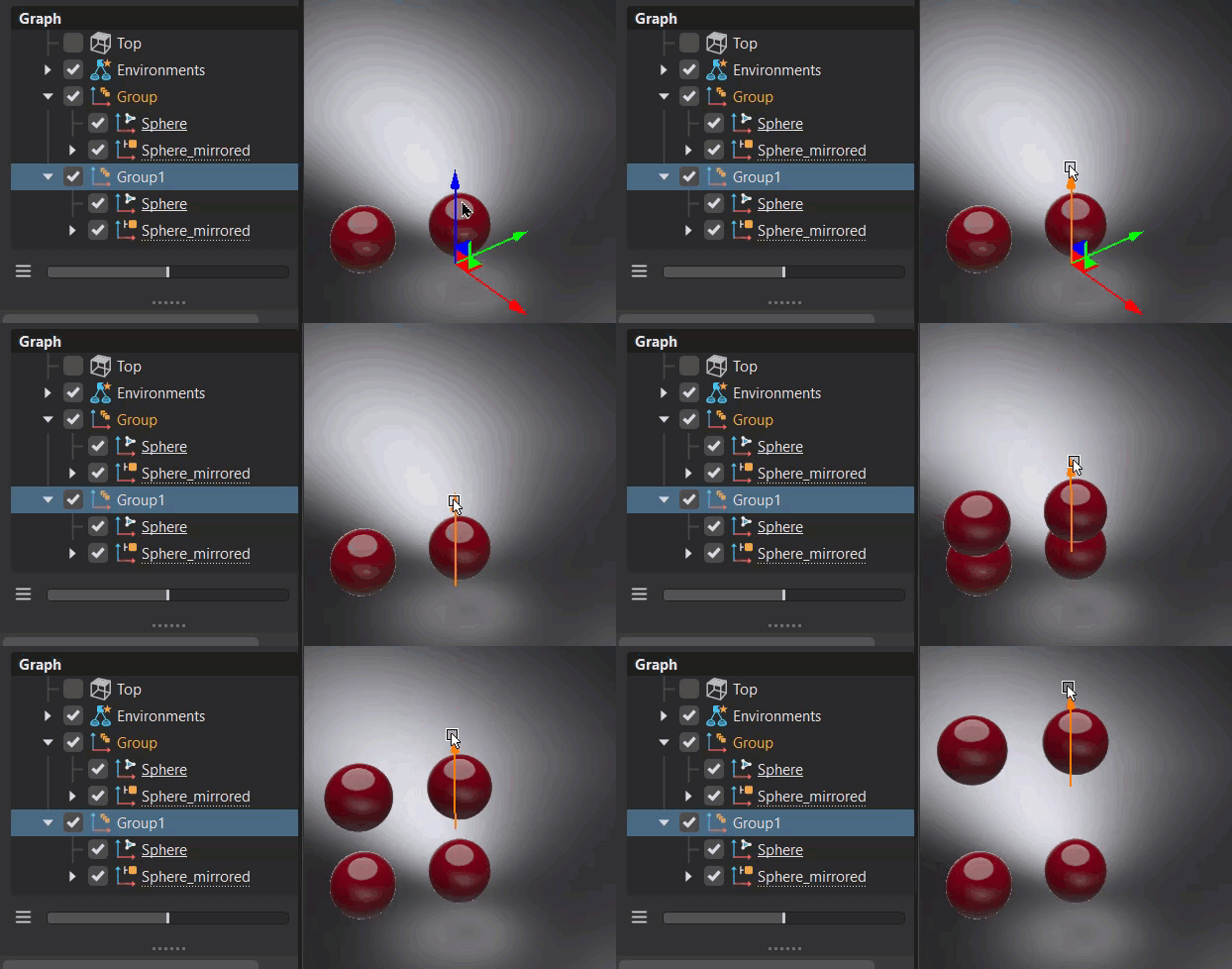
When disabled, the clone root node cannot be transformed independent of the original object node.