Interface Preferences
In the Menu Bar, click Edit > Preferences, then on the left side of the dialog box, select General Settings > Interface. After making any changes, press Apply and Save to save them.
Base
Show FPS in Status Bar - Show the current frame rate in the lower left corner of the Render View.
Show Tool Button Text - Shows hint text for buttons.
Disable Docking - Toggles docking capability for VRED module windows.
Application
User Language - Sets a language displayed in the interface.
Issue: For MAC 10.13.x users, once VRED 2019 is installed, the UI defaults to English, not the language you expect.
Solution: In VRED, select Edit > Preferences > General Settings > Interface > Application, then under User Language, set the language you want. Click Apply, then Save. Restart VRED.
- Show Home Dialog - Shows the Home dialog at startup when enabled. When disabled, select Help > Getting Started or click
 to access the Home dialog.
- Show Tooltips - Sets the default behavior for tooltip display. This provides a solution for experienced VRED users who are distracted by tooltips appearing when hovering a control for too long. Now, it is possible to disable them.
Enable Mouse Scroll Wheel Value Changes - When enabled (the default state), the scroll wheel modifies data when used on combo boxes, sliders, or spin boxes.
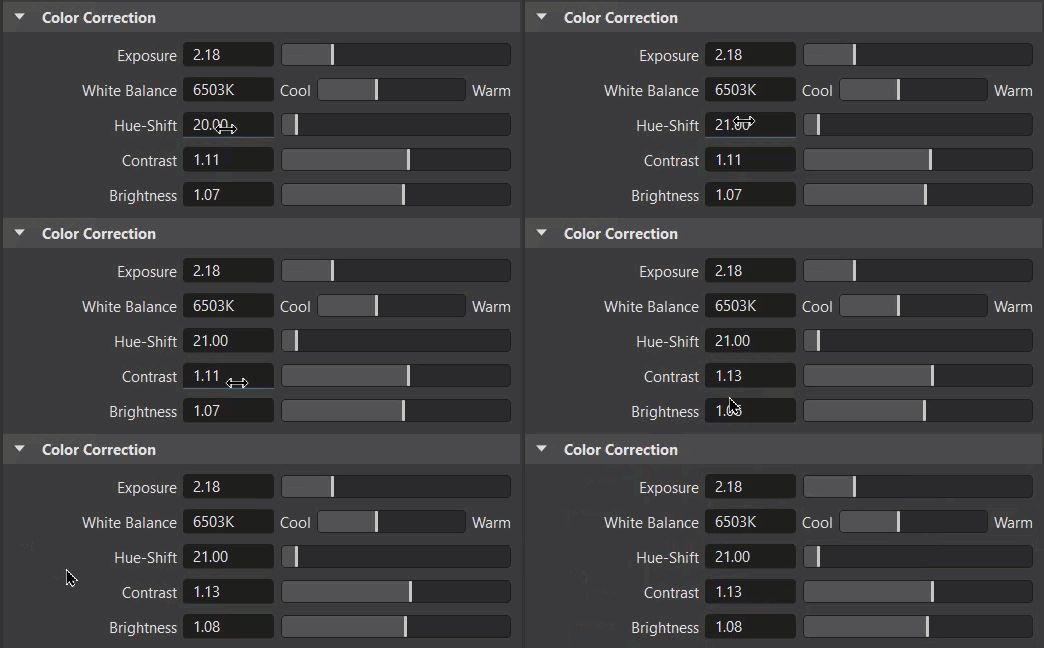
However, keep in mind that this can also lead to unwanted data modification while using the scroll wheel.
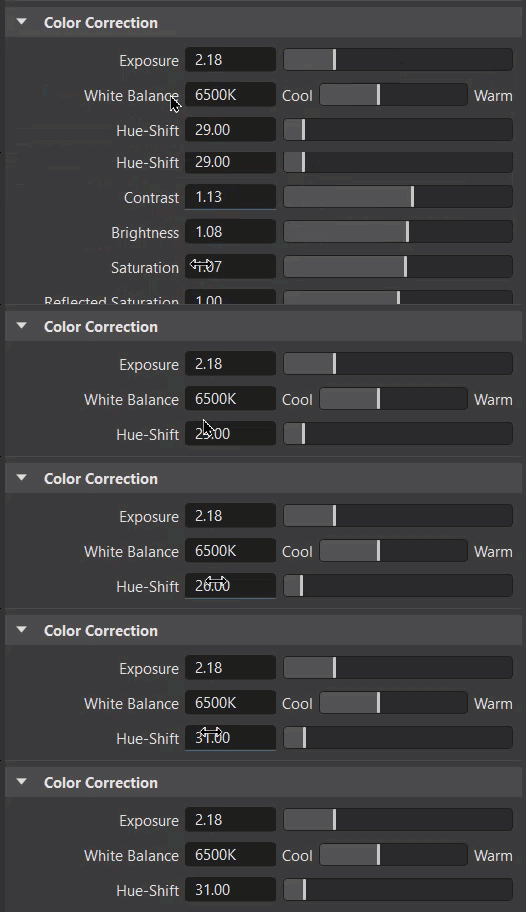
When disabled, control or field values are not modified when using the scroll wheel.
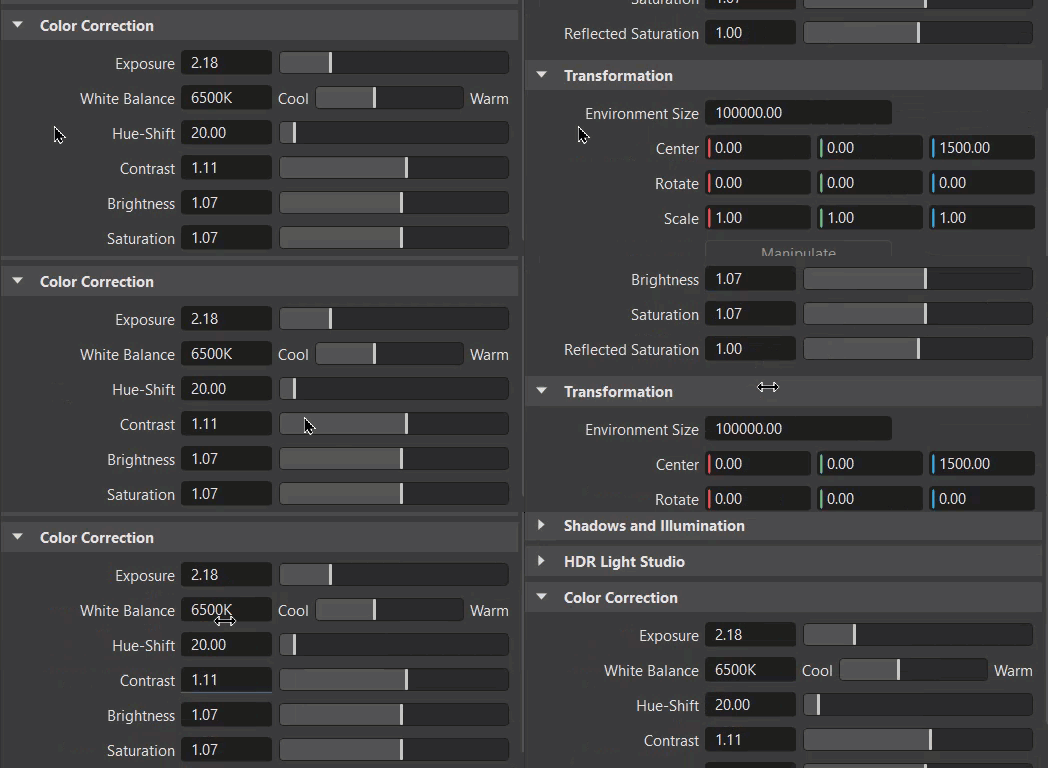
The wheel will only scroll through your view of options. Therefore, controls that only alter the view and do not modify scene data, such as sliders for scaling the Material Preview list or for expanding/collapsing the various trees, will still react to the scroll wheel.
View Control
Show View Cube (Alt + V) - Sets the default behavior of the View Cube to either displayed or hidden.
View Cube Position - Sets the default location of the View Cube in the Render View.
View Cube Size - Sets the default size of the View Cube. Select from Tiny to Large, with Normal being the default.
Opacity - Sets the default for how pronounced the View Cube is. At 1.00, it is completely opaque. To not see it at all, disable Show View Cube, instead of changing the opacity to 0.
Show Navigation Bar (Alt + N) - Sets the default behavior of the Navigation Bar to either displayed or hidden.
Show Coordinate System - Sets the default state for the miniature (global) coordinate system in the lower right corner of the Render View to either displayed or hidden.
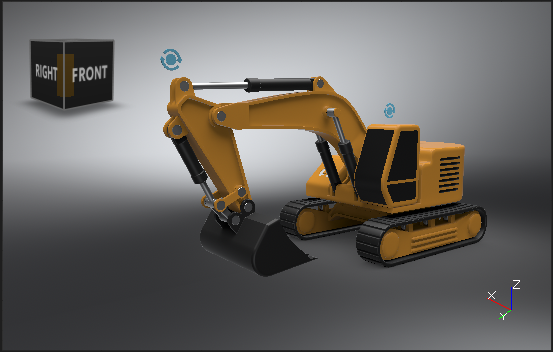
Use Z-Up Coordinate System - Sets whether to use the z-axis as the default up-axis.
Progress Cursor
Adjust the progress cursor displayed during stillframe antialiasing.
Size - Sets the default progress wheel size.
Show Progress - Sets the default display state for the progress of the antialiasing with the render progress cursor. When enabled it is displayed.
Static Position - Sets the default display state for the progress at a static position in the render windows and not with the moving cursor. When enabled it is displayed.
Help
Sets how the help is accessed and how much content is displayed for toolclips.
Help Location - Specify whether VRED uses online Autodesk Knowledge Network help or installed offline help.
If Installed Help is selected, enter the location, either a file system path or a URL. For example:
 /CDROM/html
 file:///c:/Docs/VRED/Help
 http://webserver/docs/VRED/help
You must set this option to open the help from the Help menu.
Popup Help - Display short text hints that appear in the interface when the mouse cursor hovers over a tool icon for longer than 1 second (Simple Toolclips) or longer text hints (Toolclips).
Warning Dialogs
Sets how warning dialogs are displayed.
Scenegraph
This section sets whether to show or hide the listed Scenegraph dialogs.
UV Editor
This section sets whether to show or hide the listed UV Editor dialogs.
Animation
This section sets whether to show or hide the listed Animation dialogs.
Collaboration
This section sets whether to show or hide the listed Collaboration dialogs.
Various Warnings
This section sets whether to show or hide the listed assorted dialogs.