Mesh Stitch
Seals gaps between the boundaries of components in a mesh. This tool works best to eliminate narrow gaps between boundaries. To fill larger openings, use Mesh Hole Fill.
Access this tool from the Mesh tool palette:

Mesh Stitch Control options
Tolerance
This tolerance is used to determine which boundaries should be stitched together. If two boundaries are further apart than this value at some point, they are not stitched together at that point.
Mesh Stitch workflow
Select the Mesh Stitch tool.
Select a mesh.
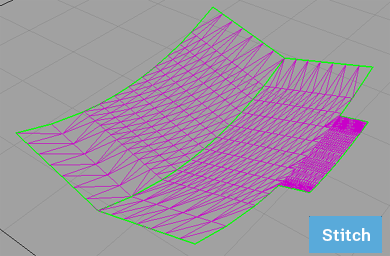
All the boundaries between components are highlighted in green.
The promptline indicates how many boundaries were found, and how many are currently selected.
Note: The mesh must have at least two boundaries for Mesh Stitch to work on it.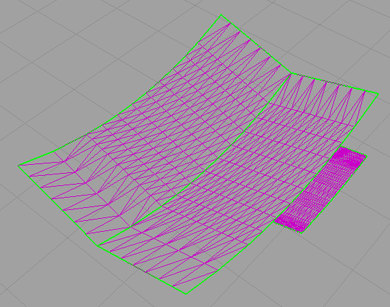
Select two or more boundaries that form the seam(s) between the pairs of components you want to stitch.
The boundaries turn yellow and adjacent triangles are highlighted in light blue.
Note: You do not need to zoom in to click on the individual boundaries. If you click twice on a seam, Mesh Stitch will select both boundaries.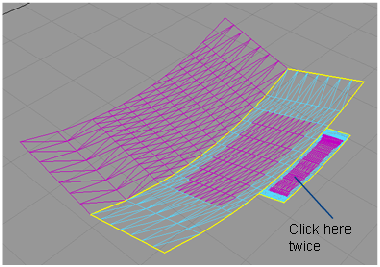
Click the Stitch button.
All gaps along the seams are sealed by moving and combining vertices, and creating new vertices if needed.