 Mesh Merge
Combines smaller meshes into one large mesh. When merging meshes, the normals are preserved. This is the recommended behavior for visualization purposes as it ensures a more accurate shading of the model.
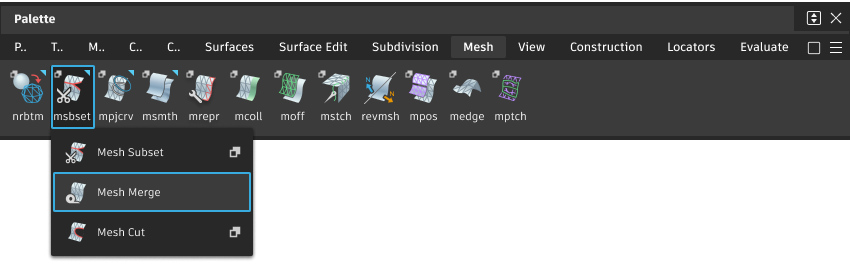
Access this tool from the Mesh tool palette:
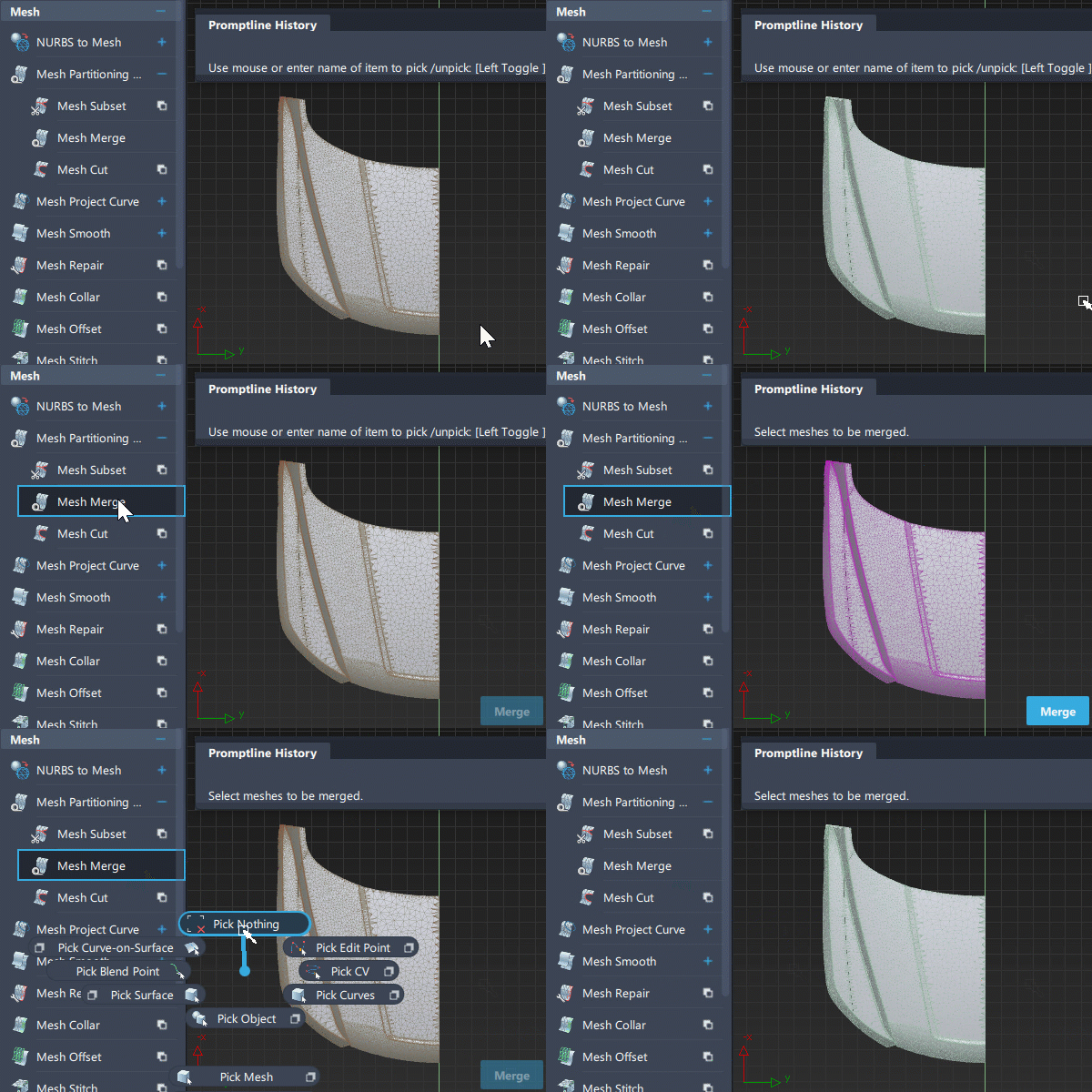
Merge meshes workflow
Select the tool.
Select two or more meshes.
Press the Merge button in the lower right corner of the window.
The selected meshes are combined into a single mesh object.
Note: You can continue to select meshes then press Merge until you choose another continuous tool.
Note: To merge all coincident vertices, in the Mesh tool palette, select Mesh Cleanup, then click the Mesh Weld Vertices tool  .
.
.