 Toggle 1:1
Displays your model at true scale (1:1) in an orthographic window, after calibrating the view.
Access this tool from the View palette:
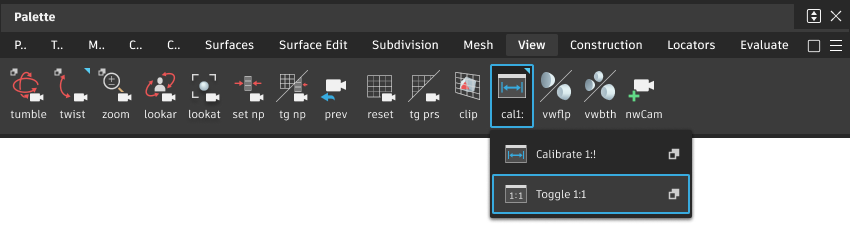
Toggle 1:1 workflow
To switch to the 1:1 view
Select the tool to set and lock your view to true scale.
A
1:1label appears in the window title bar to indicate that you are in true scale mode.Note: Dollying in or out of the view is not be possible while in a true scale view.Select the tool again to toggle back to regular viewing mode.