Learn about new features in this release of AutoCAD Architecture 2025 toolset. For technical details, see the release notes.
2025.0.3 Highlights
Change from .NET 8.0 and 10.0: Microsoft will stop providing updates for .NET 8.0 after November 10, 2026. For this reason, Autodesk and other software developers are encouraged to transition to .NET 10.0. Custom applications targeting .NET 8.0 should continue to function, except in cases where changes or removals in .NET 10.0 introduce compatibility issues.
2025 Highlights

Quality improvements
- Working in Display Manager
- Opening certain drawings
- Working with custom CUI and profile
Display Manager: The Display Manager now works correctly when the drawing exclusively contains classifications that apply to AutoCAD objects.
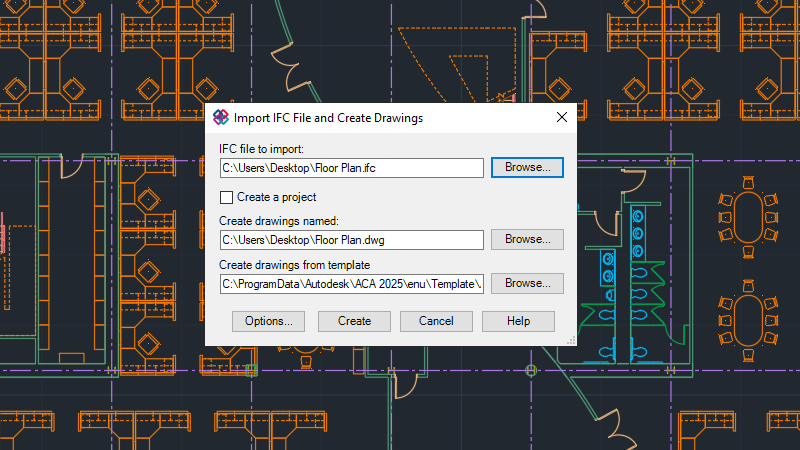
IFC Import or Export: The IFC Import process now successfully completes after generating the drawing files.
Project Navigator: Version column width can now be adjusted in Project Navigator.
Body Modifier: The body modifier now works correctly when used with walls and 3D solids.
Content Paths: Content paths are now imported correctly after applying import settings.
Sheet Set Manager: Sheet Set Manager now supports Vault check in/out functionality.
Additional enhancements
2D Graphics:
- Font display improvements.
- The Graphics Performance dialog box includes a new "Diagnosis" tab specifically designed to diagnose common graphics card issues.
3D Graphics: The Wireframe visual style has been added to the cross platform 3D graphics system. See the Fast shaded mode option in the Graphics Performance dialog box for more information.
File Open Performance: Improvements have been made to reduce the amount of time it takes to open 2D drawing files.
- ACTM files must be migrated to the ACTMX file format before they can be played back. New action macros recorded are stored in the ACTMX file format and are not compatible with AutoCAD 2024 and earlier releases.
- DXE files can continue to be used to extract data from a drawing, but changes can't be saved back these files. Changes can only be saved to the new DXEX file format which is not compatible with AutoCAD 2024 and earlier releases.