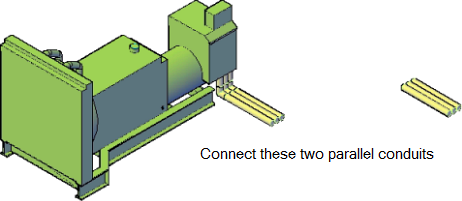
Connect two conduits or pipe parallel runs.
When you connect two parallel conduit or pipe runs, various options to connect the two parallel are displayed for you make a selection.
- Enter PARALLELROUTING on the command line.
- Select the baseline conduit or pipe.
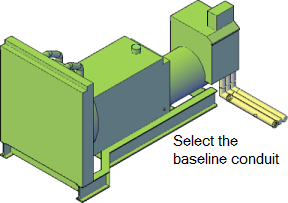 Tip: Routing begins at the open end of the baseline conduit segment. If the segment is open at both ends, click near the end where you want the routing to begin.
 - Select the parallel conduits or pipes and press Enter.
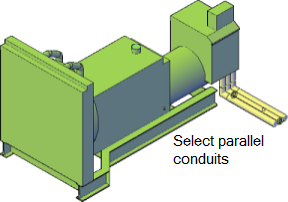
- Select the parallel conduit or pipe. Ensure that you select the end connector point on the conduit or pipe.
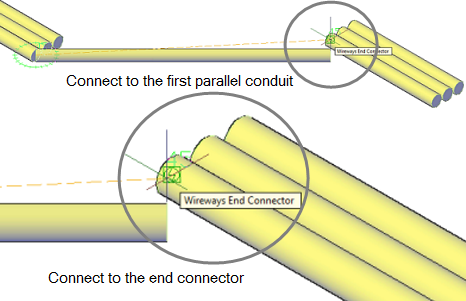
- Click Next and Previous to see the various bend options.

- Click Accept on the your preferred routing option. All selected parallel conduits or pipes are connected using the accepted routing preference.
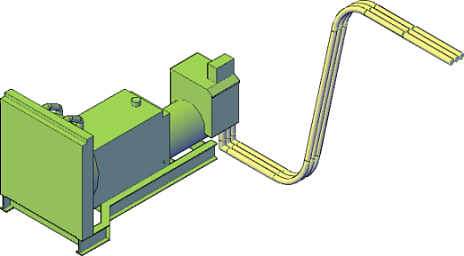
Use this procedure to connect two parallel conduit or pipe runs.